SQOOL Classe is the web application I designed to give teachers control of 30 open tablets during a lesson. It became the reference app of the SQOOL suite, and a class connects in 30 seconds on average.

“I had the chance to work with Victor for 3 years as a duo, and he is one of the most inspiring designers I have ever worked with. Victor combines boundless creativity with impressive rigor. He knows how to translate complex visions into clear and impactful user experiences. Always listening, curious, he constantly pushes thinking further, whether on substance or form. I particularly valued our ability to co-build: he is not afraid to challenge ideas while remaining kind, focused on product quality and user impact. I recommend him to any team looking for a Lead Designer who is creative, demanding, and deeply human.”

The Île-de-France region gave a tablet to each of 500,000 students and teachers across 465 high schools. In every classroom this meant 30 open screens, and no adequate tool to keep control of the lesson. Existing tools were either too invasive or too fragile for school Wi-Fi.
Design Lead in the product squad that built and deployed SQOOL Classe, for nearly two years, alongside the CPO, 5 designers, product managers and developers. My scope covered ideation workshops on supervision and screen projection, and the vision of turning a monitoring tool into a collaboration medium between teachers and students.
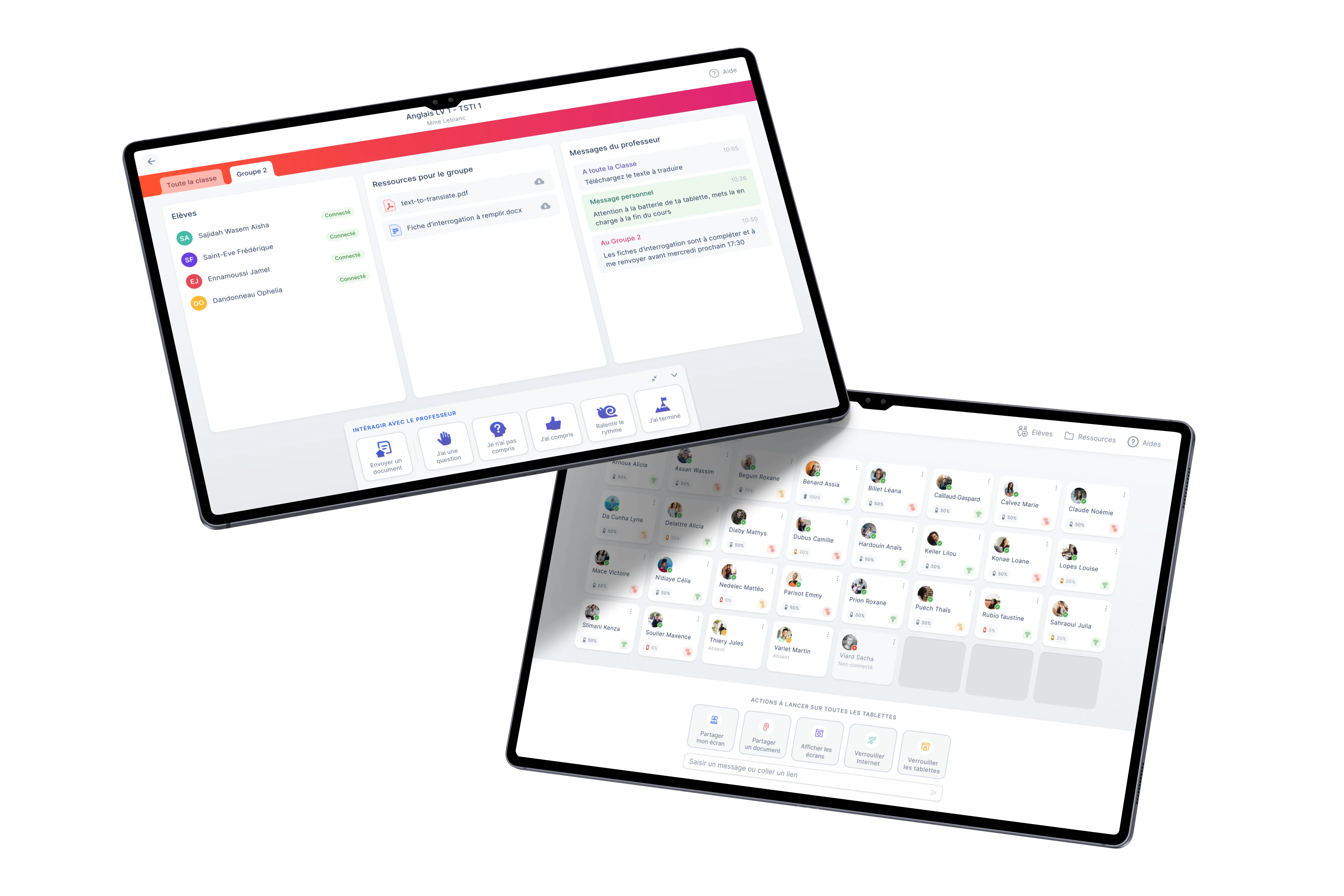
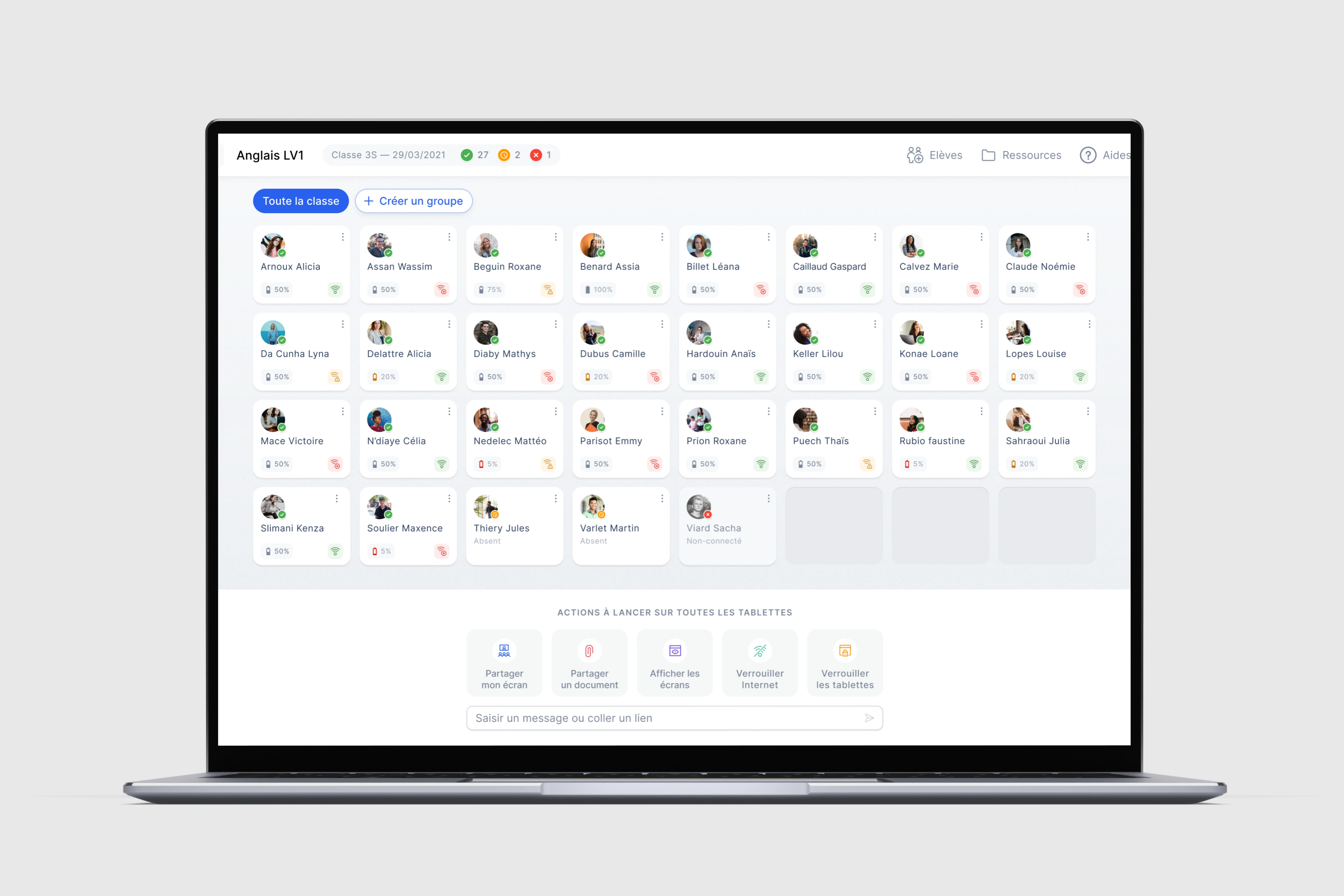
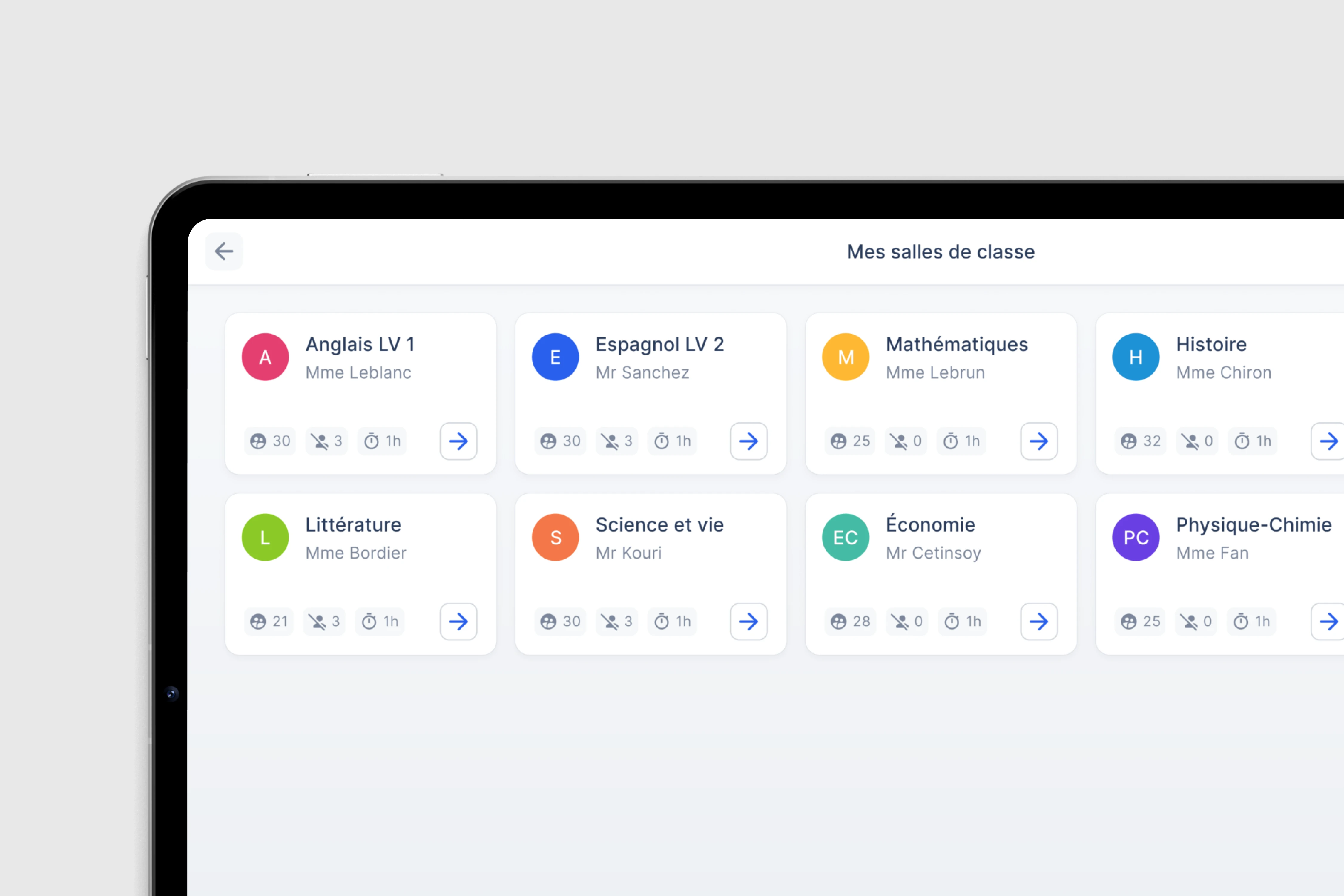
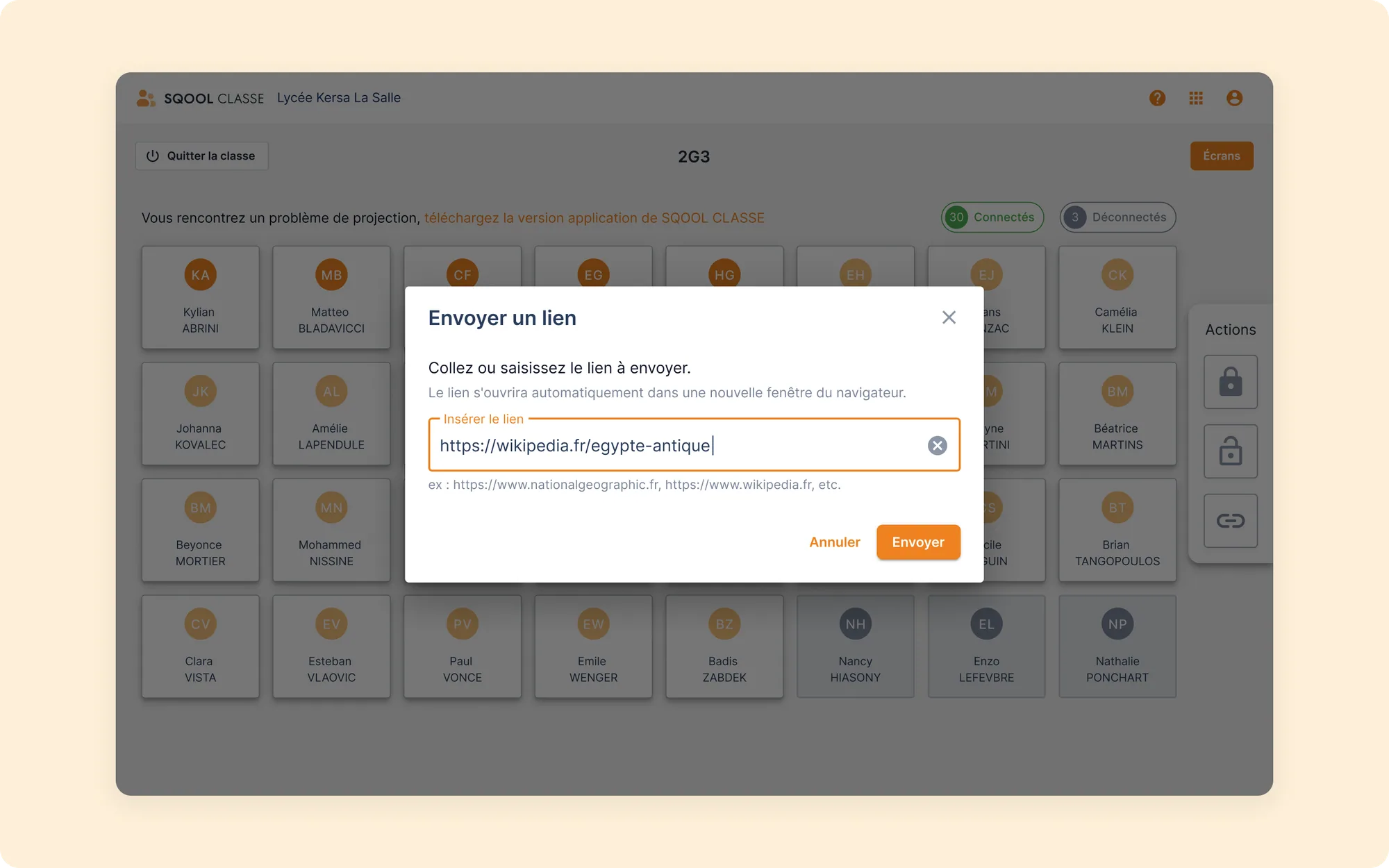
Teacher grid view
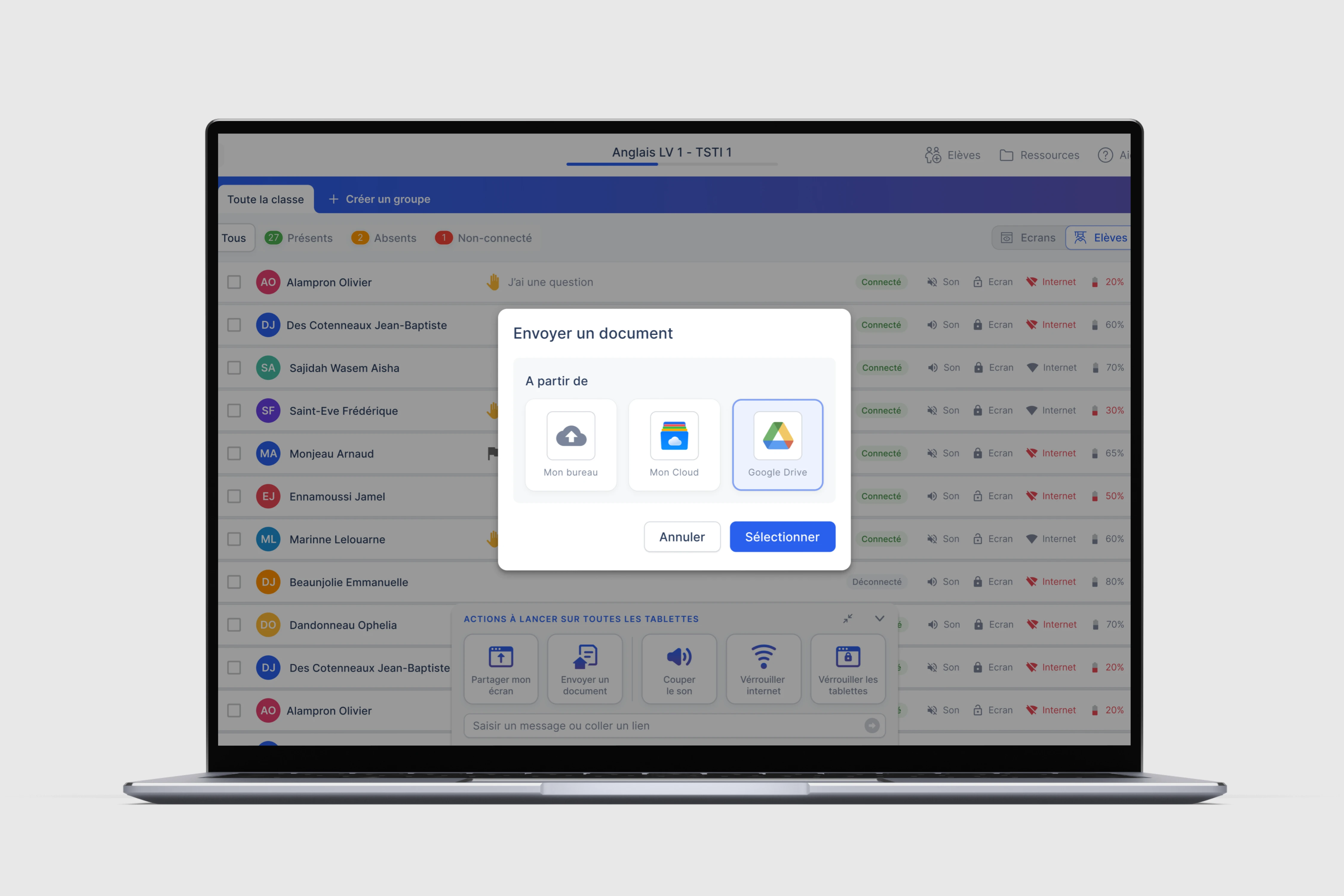
One tile per student: name, active application, battery and connection state. 32 students readable at once.
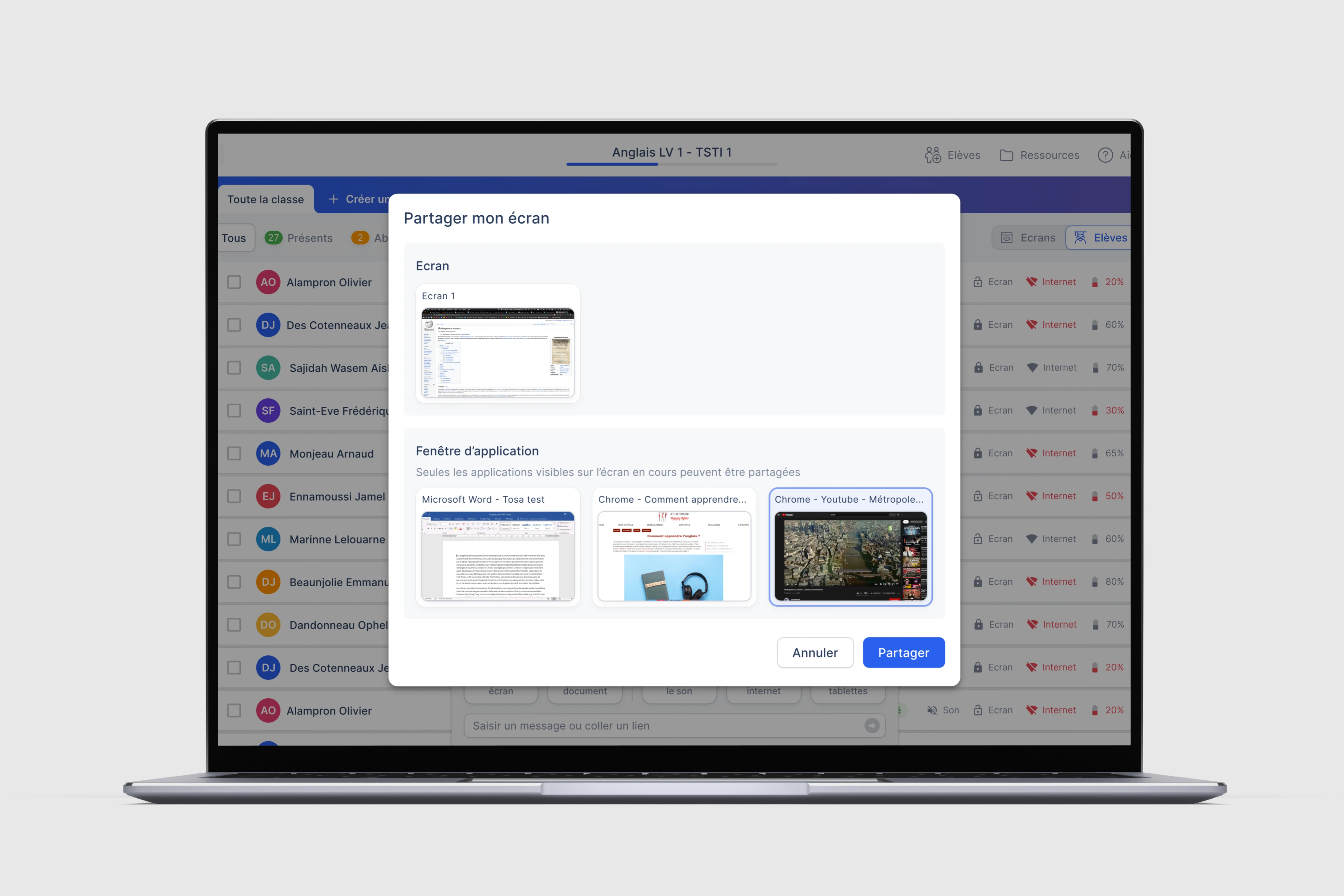
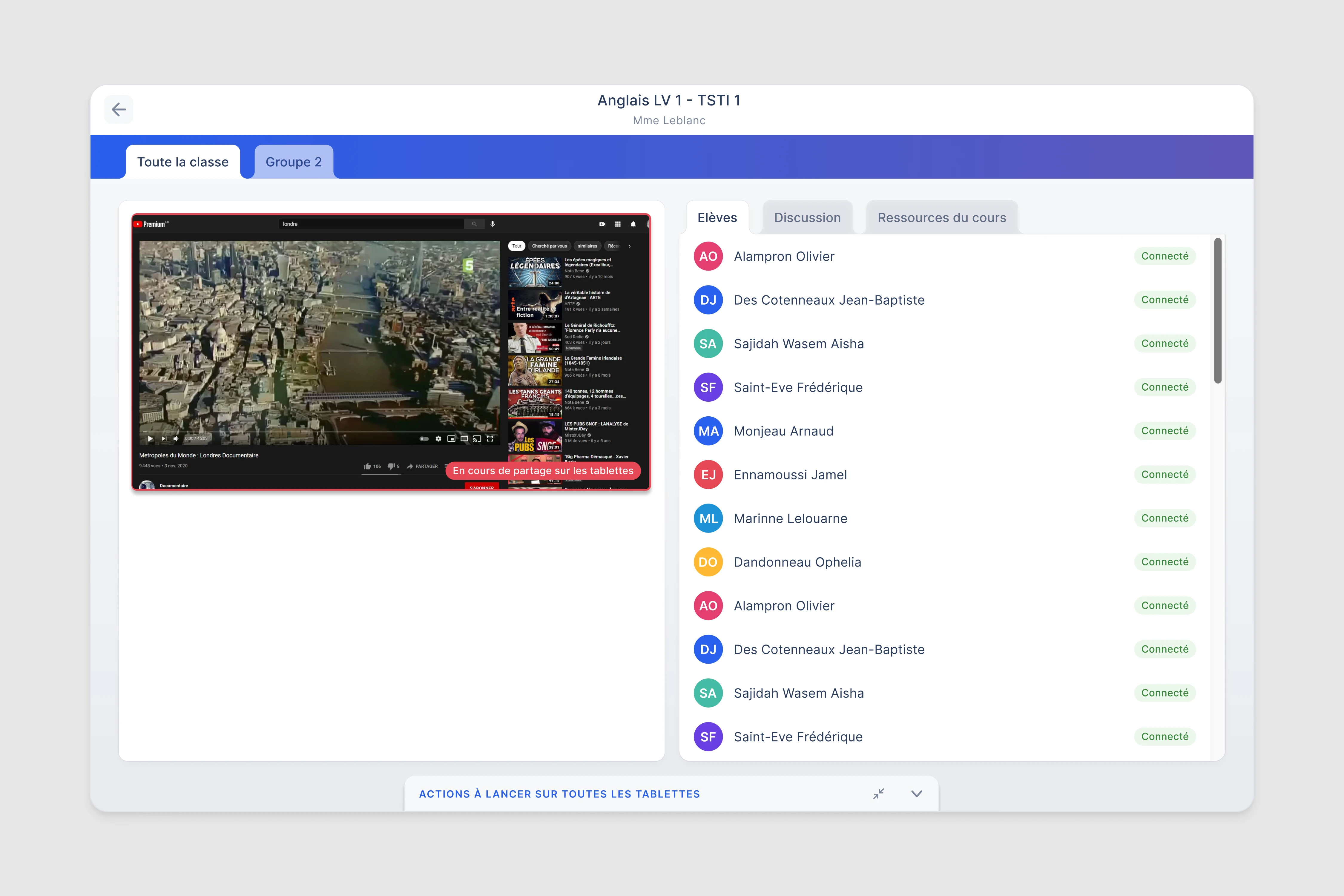
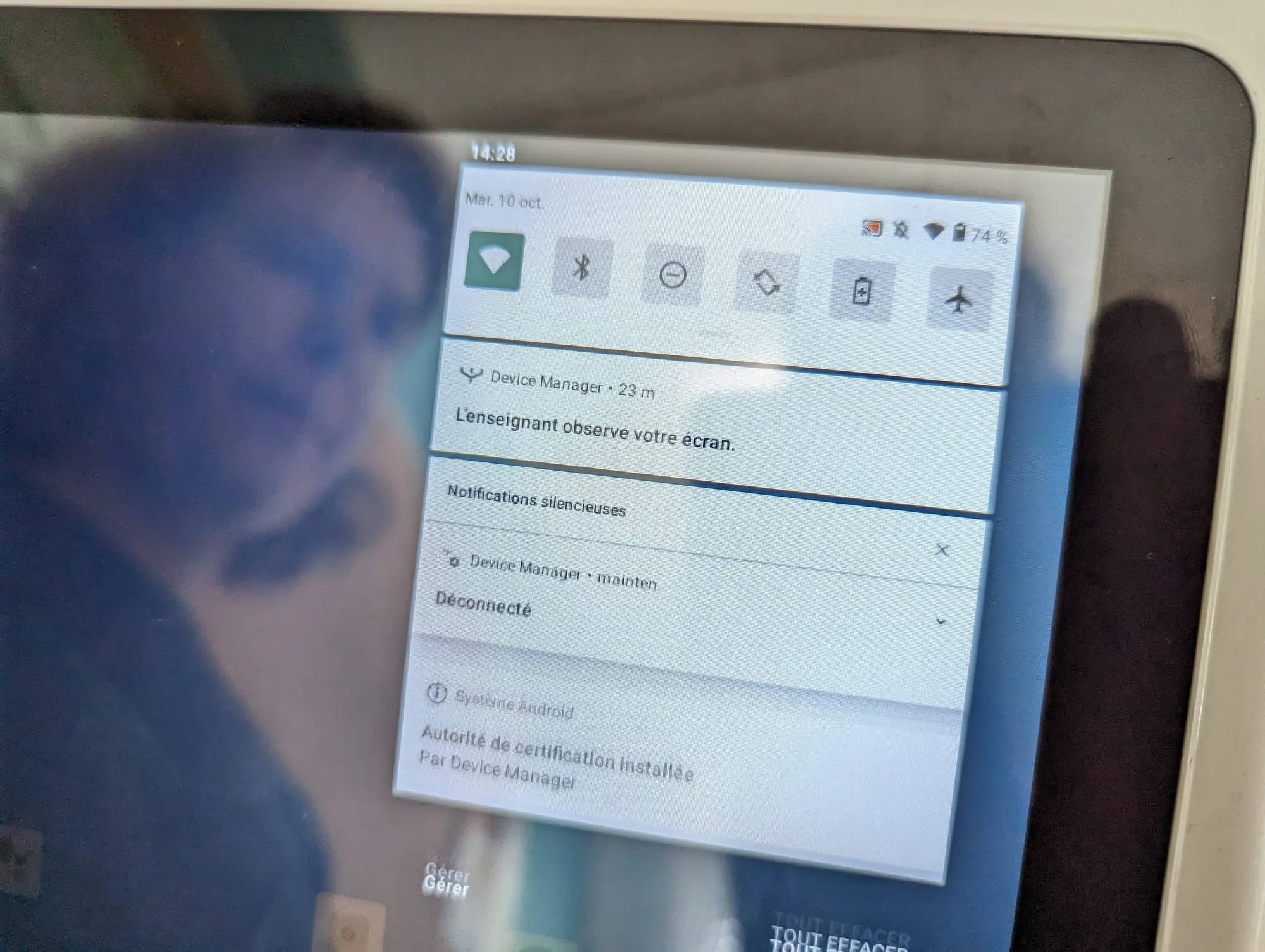
Screen sharing
The teacher shares a full screen or one window, and an indicator confirms the sharing is active and received.
Document distribution
Documents from local storage or Google Drive reach the tablets, with a timestamped notification.
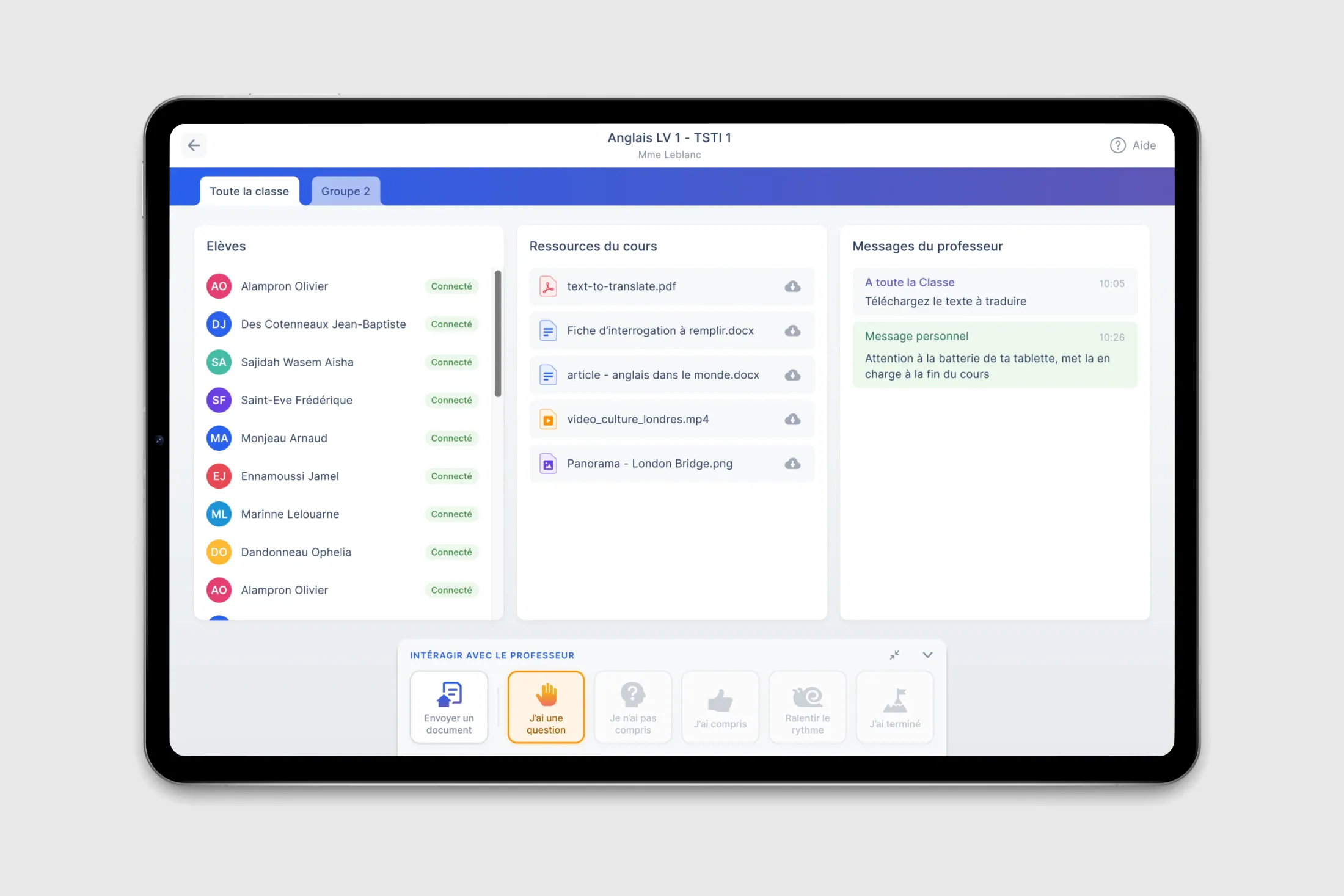
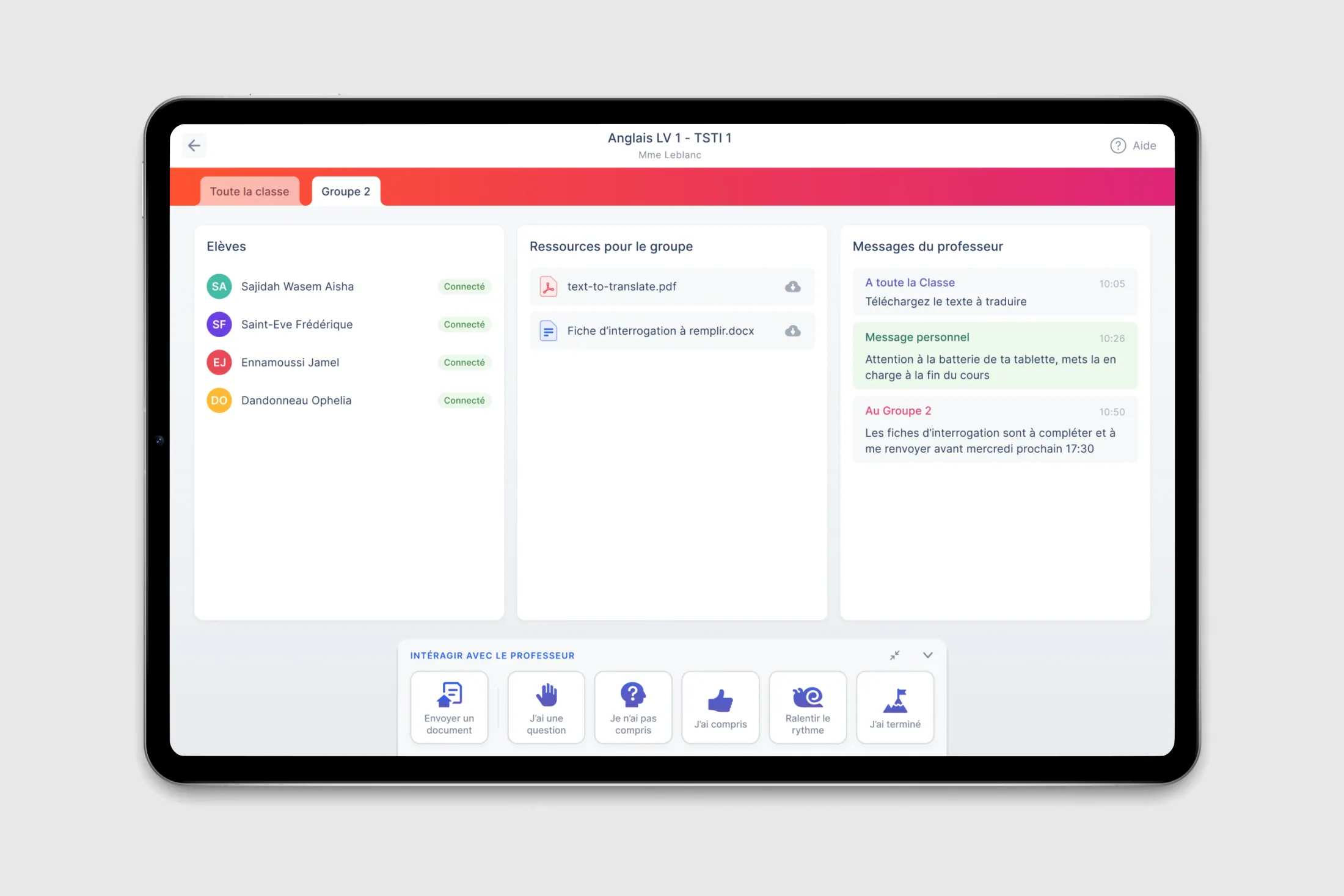
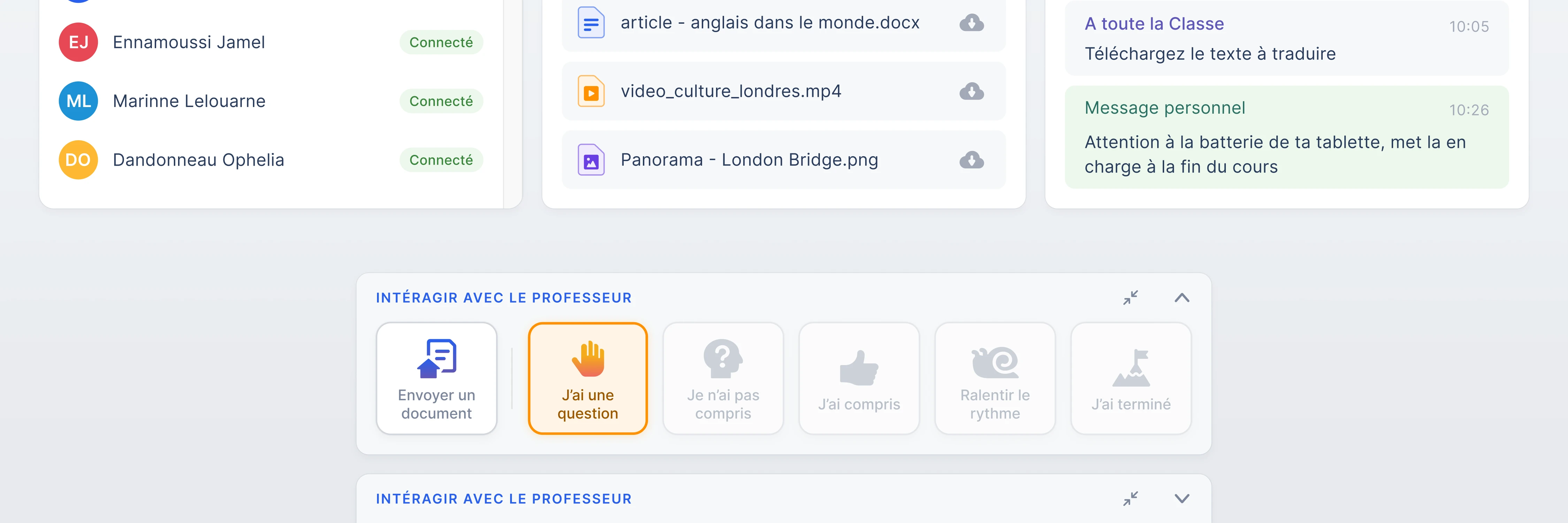
Student experience
A class view and a group view, each with its own resources, messages and instructions.
Student interactions
Six ways to reach the teacher without disrupting the class.
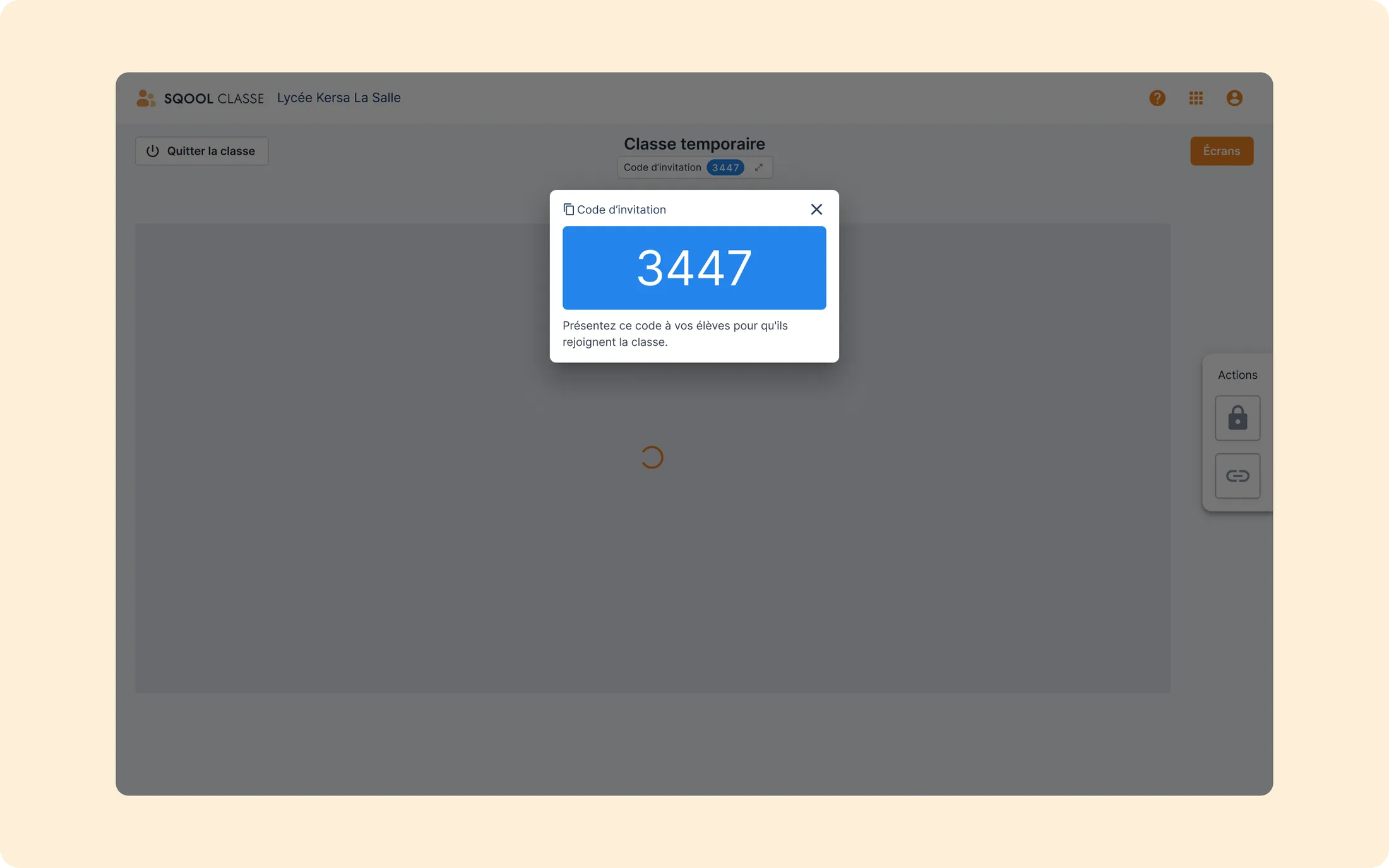
Joining a class
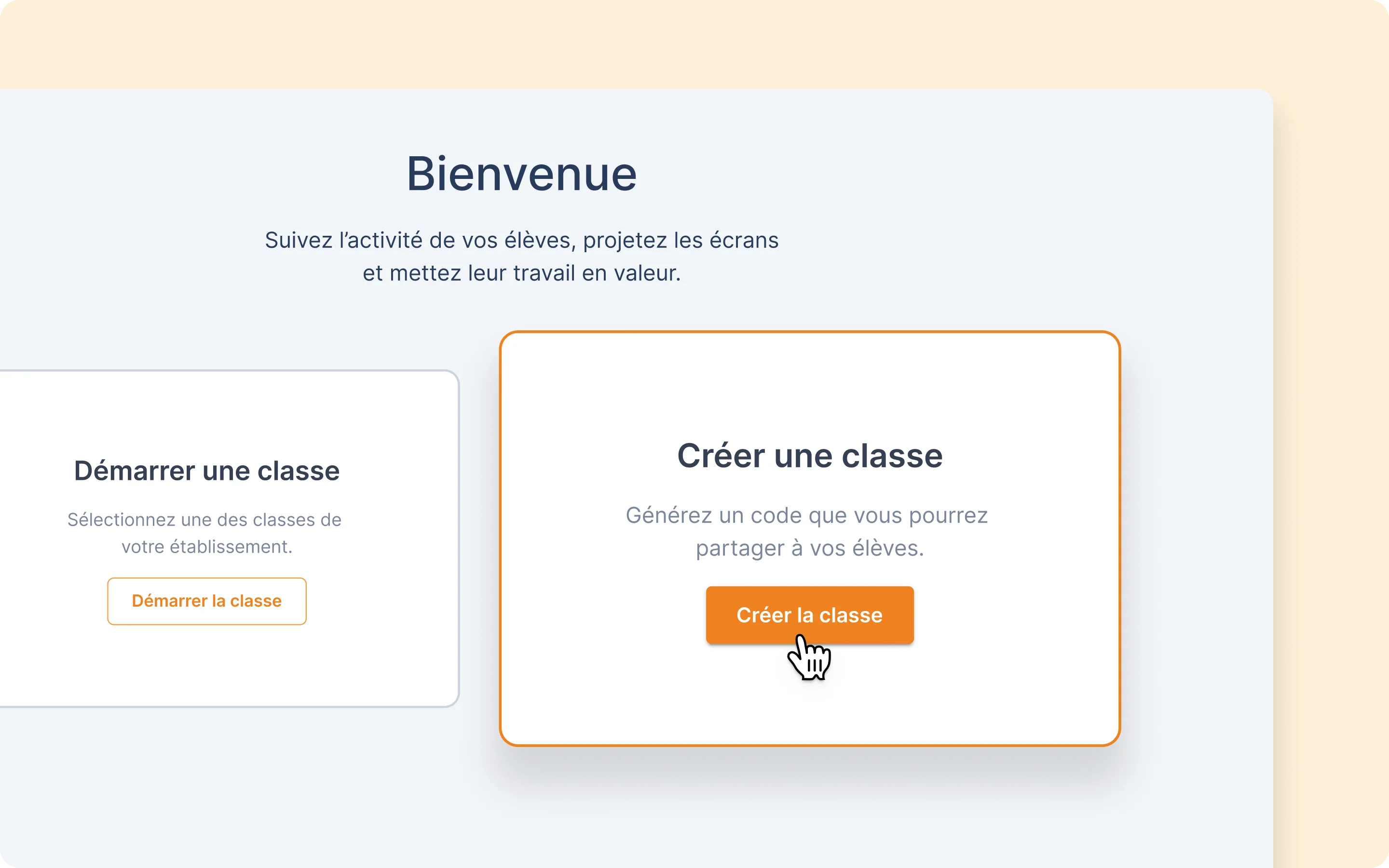
A code or a QR code from the student’s tablet. No login, no password, no setup.
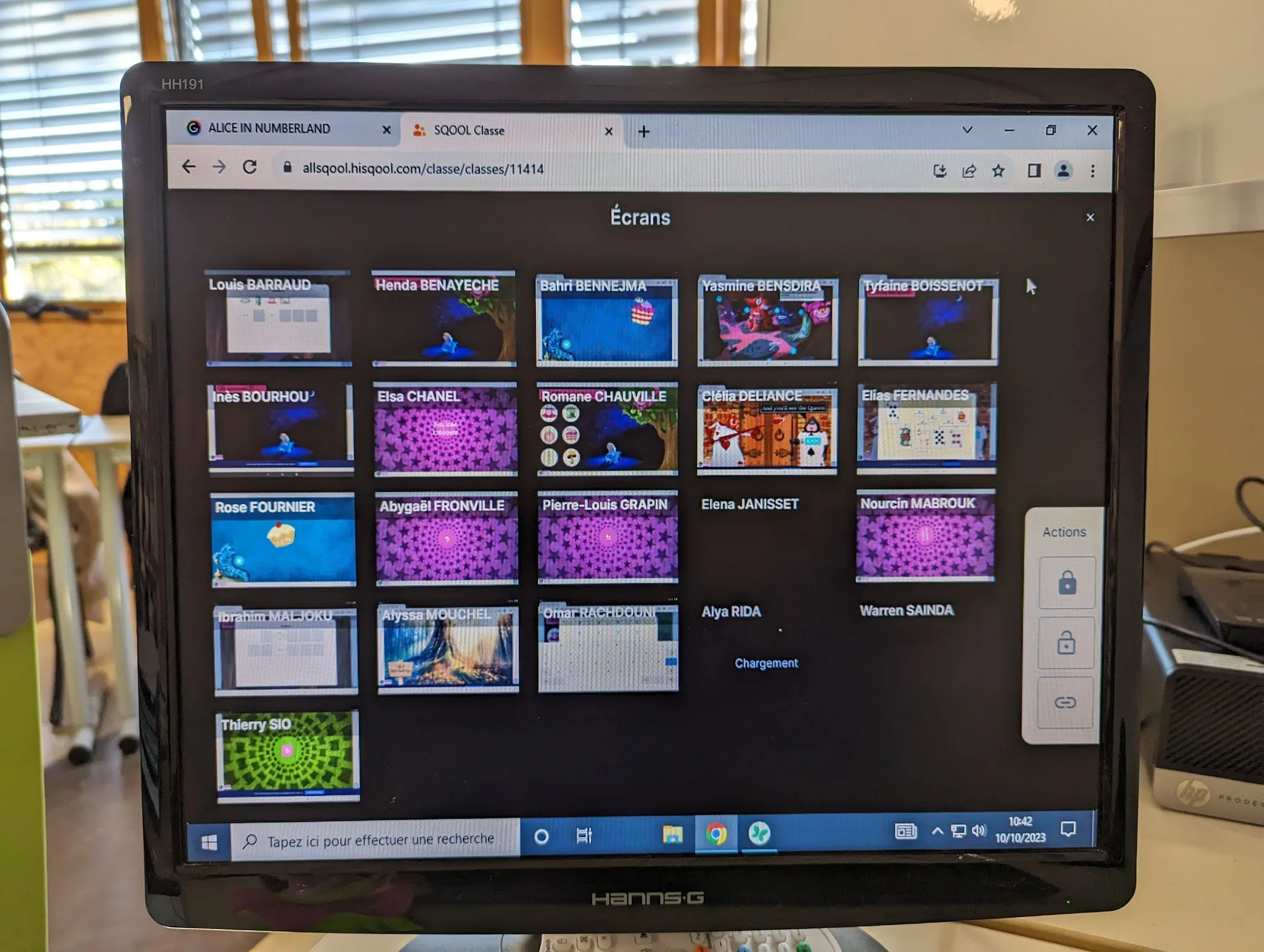
When the region equipped every student with a tablet, each classroom ended up with thirty open screens. Checking that everyone is on the right app, managing distractions, reacting when a tablet stops responding: all of it came on top of the pace of a lesson with thirty teenagers. Existing tools ranged from invasive surveillance to fragility on school Wi-Fi.
The starting question was how to give a teacher a view of thirty tablets without turning the classroom into a control room. I set three principles, checked during classroom observations and tests with teachers.

Each student gets one tile: name, active application, battery and connection state. Nothing more, so the grid reads between two explanations at the board, with 32 students visible at once. Color is kept for states that call for action, such as a low battery or an off-task student. Device states (off, idle, live, projecting) are explicit, so the teacher never wonders whether the data is current.

Lock, project, group and distribute live in a permanent command panel with large touch targets, usable on a tablet as on a computer. The teacher is standing and looks at the screen between two sentences: acting must never require changing view. When the teacher shares a screen, an indicator confirms students are receiving it, which avoids the “can everyone see my screen?” that breaks the pace of a lesson.
On the student side, SQOOL Classe appears to join a session, receive a document or answer a poll. The rest of the time the tablet stays an ordinary work tool, and the student works without feeling watched. To join a class, students type a four-digit code shown on the teacher’s screen, or scan a QR code: no account, no password, no setup, because if students cannot connect, the teacher cannot supervise anything.
Isolated screens do not say whether functions chain together. I prototyped 42 interactive flows with GSAP animations: 25 for the teacher, 7 for the student and 10 full lessons, from opening the class to an exam. These scenarios checked that a real lesson, with its device restrictions and the collection of student work, holds together without a break.
SQOOL Classe groups nine modules, designed for the whole lesson rather than supervision alone. The exam and assignment mode answers a request from schools: beyond screen projection, they expected settings and restrictions on device use.
SQOOL Classe became the reference app of the suite. A class connects in 30 seconds on average, and its real-time and data visualization patterns served as the base for the apps that followed. Pilot teachers report a gain in composure and less time spent managing tablets.
“For the first time, I felt I could manage my classroom without raising my voice. SQOOL Classe gave me back my composure.”
Use depends on the reliability of each school’s network. Screen projection needs a stable signal between the tablets, the middleware and the teacher’s computer. We chose to show the connection state rather than hide it, but the school network stays outside what design can settle.