Vercel via GitHub (recommended): you connect your GitHub repo to Vercel. Every git push triggers an automatic redeployment.
Vercel CLI: you deploy from the terminal with a command. More direct, less automated.
From localhost to a public URL. Vercel CLI, preview deployments, production, environment variables, custom domain.
Vercel via GitHub (recommended): you connect your GitHub repo to Vercel. Every git push triggers an automatic redeployment.
Vercel CLI: you deploy from the terminal with a command. More direct, less automated.
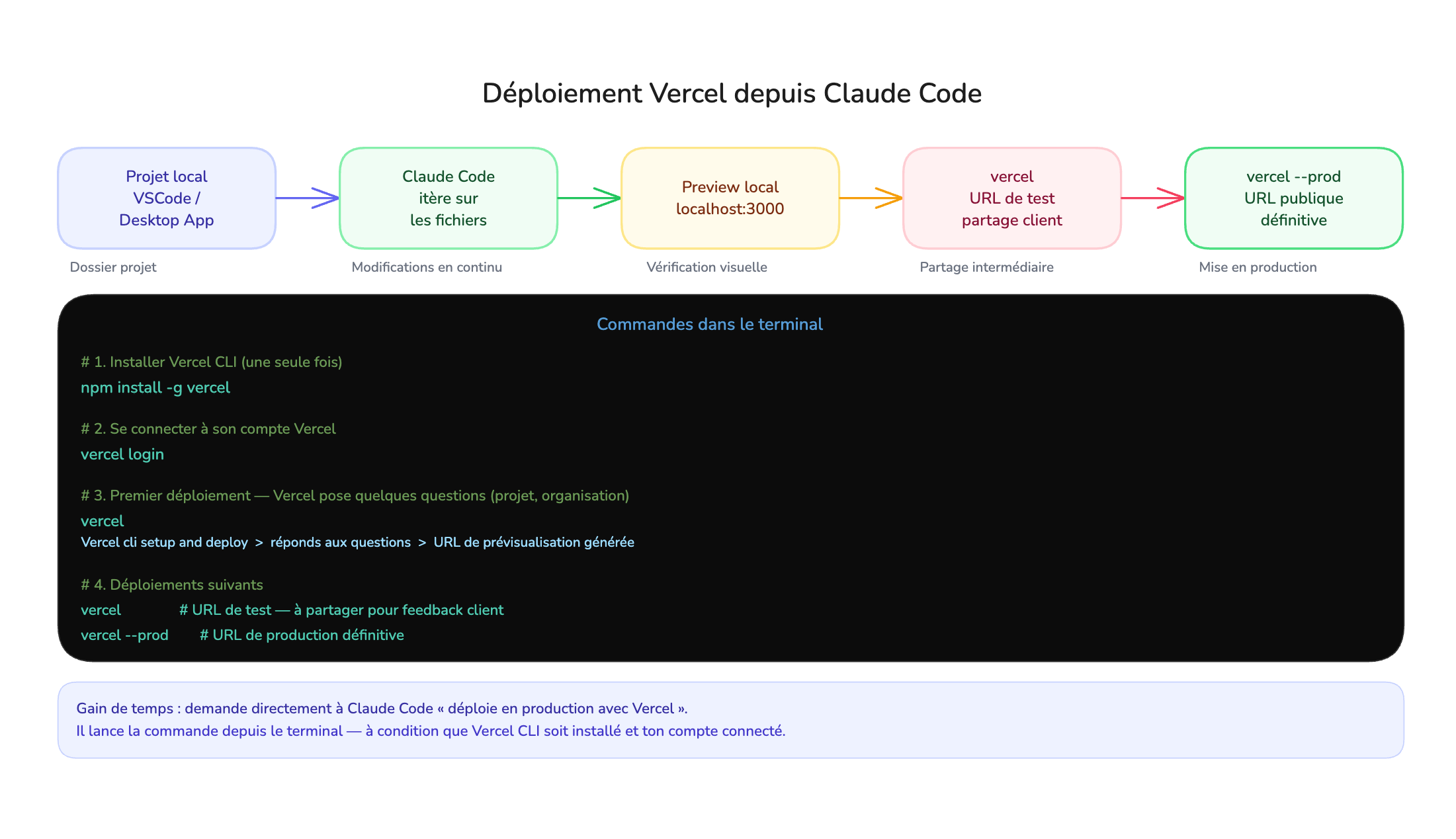
npm install -g vercel
vercel login
From your project folder:
vercel
Vercel asks a few questions on the first deployment. At the end, it returns a preview URL: a unique public URL for that version.
vercel --prod
Deploys the current version to production and returns the definitive public URL.
vercel: preview URL, you share it for feedbackvercel --prod: production URL updated# Add a variable
vercel env add VARIABLE_NAME
# List variables for a project
vercel env ls
# Remove a variable
vercel env rm VARIABLE_NAME
Variables are stored on Vercel's side and injected automatically at each deployment. Your .env.local file stays on your computer, never in the GitHub repo.
vercel domains add my-domain.com
Vercel then tells you which DNS records to configure. Propagation takes anywhere from a few minutes to 48 hours. Vercel automatically generates the SSL certificate.
git push origin main triggers an automatic redeployment.You no longer need to type vercel --prod manually. Every change pushed to the main branch is in production within seconds.