Getting Started with Claude Code
A guide for designers

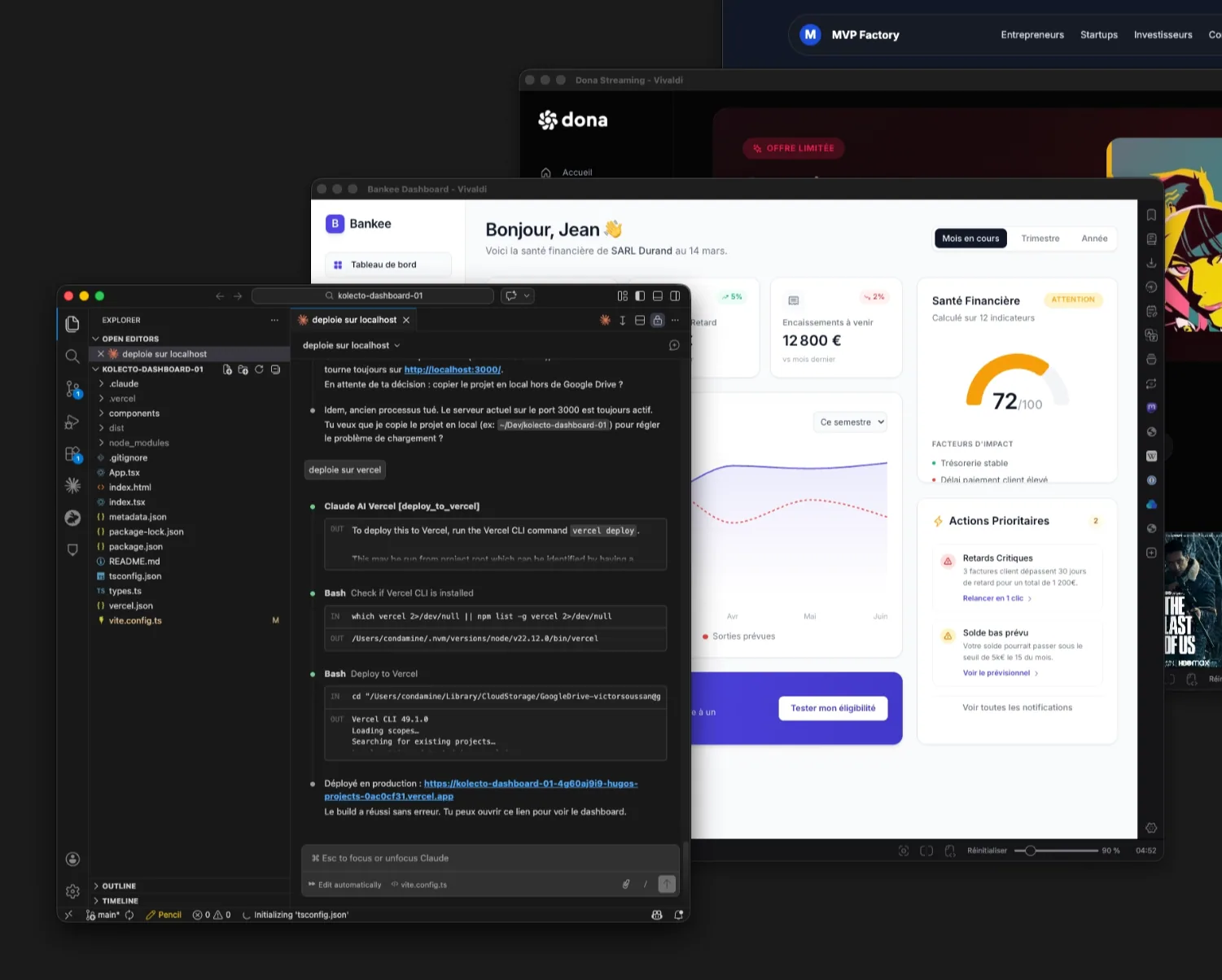
Most Claude Code guides are written for developers. This one starts from a different place: you're a designer, you work in Figma, you think in interfaces, flows, and components. You don't necessarily want to learn to code for real. And you don't have to.
Table of contents
1
Understanding Claude Code
What it is, how it differs from other AI tools, and why it actually changes something for a designer.
2
Setting up your environment
Subscription, installation, folder organization on Mac, tools to have in place before you start.
3
Three ways to start
Local folder, Claude artifact, or another AI tool as a starting point. How to choose and how to migrate from one path to another.
4
Choosing your stack
Plain HTML, React, Next.js, Tailwind, Shadcn. What each choice involves and which combination works best depending on the type of project.
5
Iterating and refining visually
The Desktop app step by step, VSCode + companion window, the VSCode terminal workflow, and techniques for getting precise results.
6
Deploying with Vercel
From localhost to a public URL. Vercel CLI, preview deployments, production, environment variables, custom domain.
7
Going further
CLAUDE.md, skills, essential Git commands, the terminal, and resources.
8
Getting a high-quality visual result
Skills to activate, prompts for visual style, Framer Motion, Shadcn/ui, loading states, progressive disclosure, and Figma Console MCP connection.
9
Claude skills for designers
Skills are instruction files that Claude applies on demand. They install in seconds and significantly improve the quality of outputs.