PagesJaunes
A wearable app that brings PagesJaunes local search to Android Wear. In a duo with an Android developer, I designed an experience readable at a glance on a 280dp circular screen, from concept to Google Play in two months.

“Victor designed a complete wearable experience from scratch in two months. His ability to understand the constraints of a new platform and translate them into a coherent design language was impressive.”
PagesJaunes wanted to experiment with the smartwatch while Android Wear was emerging as a platform. Local search suits it: find a professional, then call them or go there. The challenge was to fit that whole journey on a round 280dp screen, without a keyboard.
I led the design from end to end: personas and scenarios, sketches, wireframes, interface, interaction specs, prototypes and presentations to decision makers. I worked in a duo with Thibault Fighiera, the Android developer, in a three-person agile team with a product owner.
Two personas and their scenarios
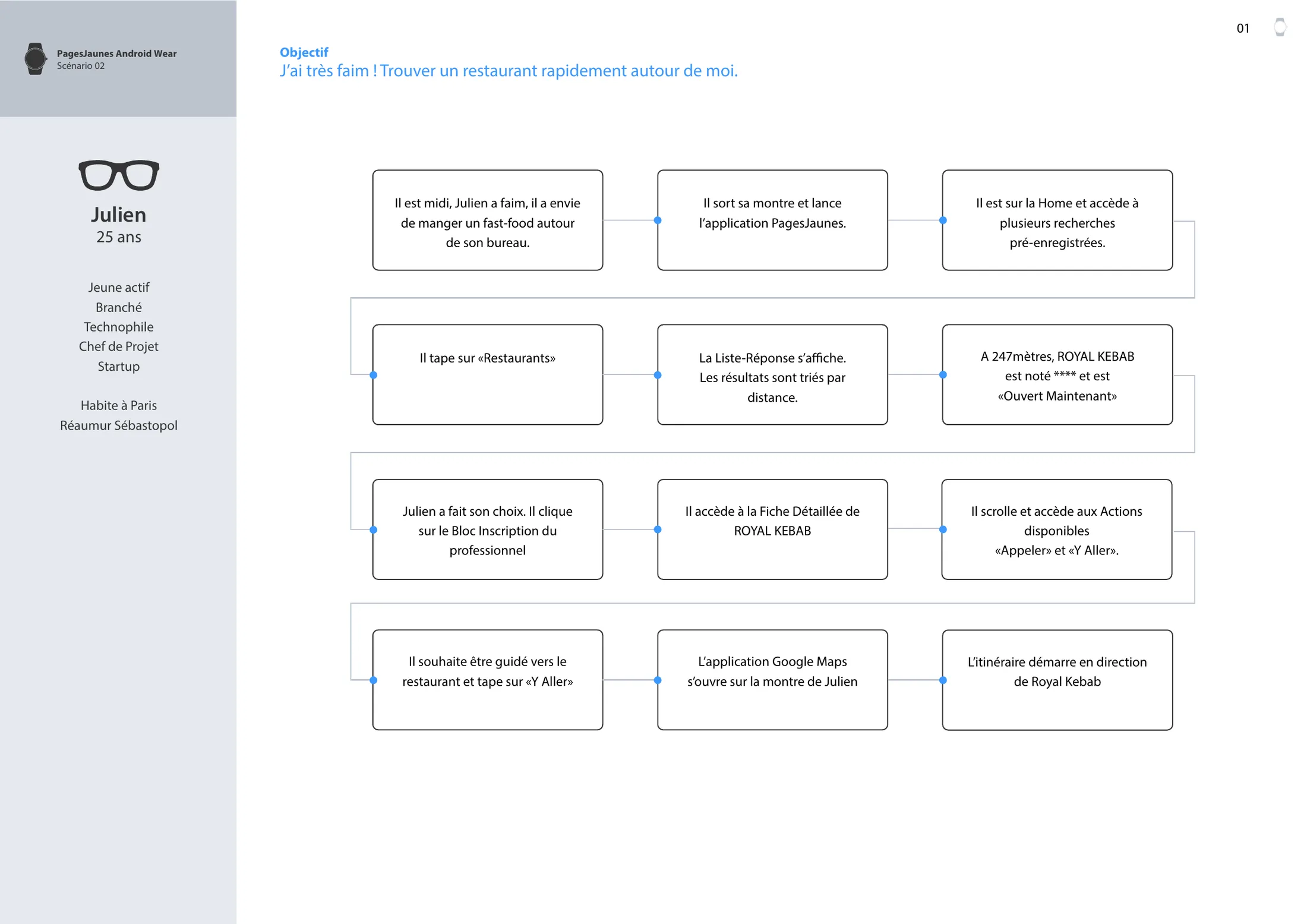
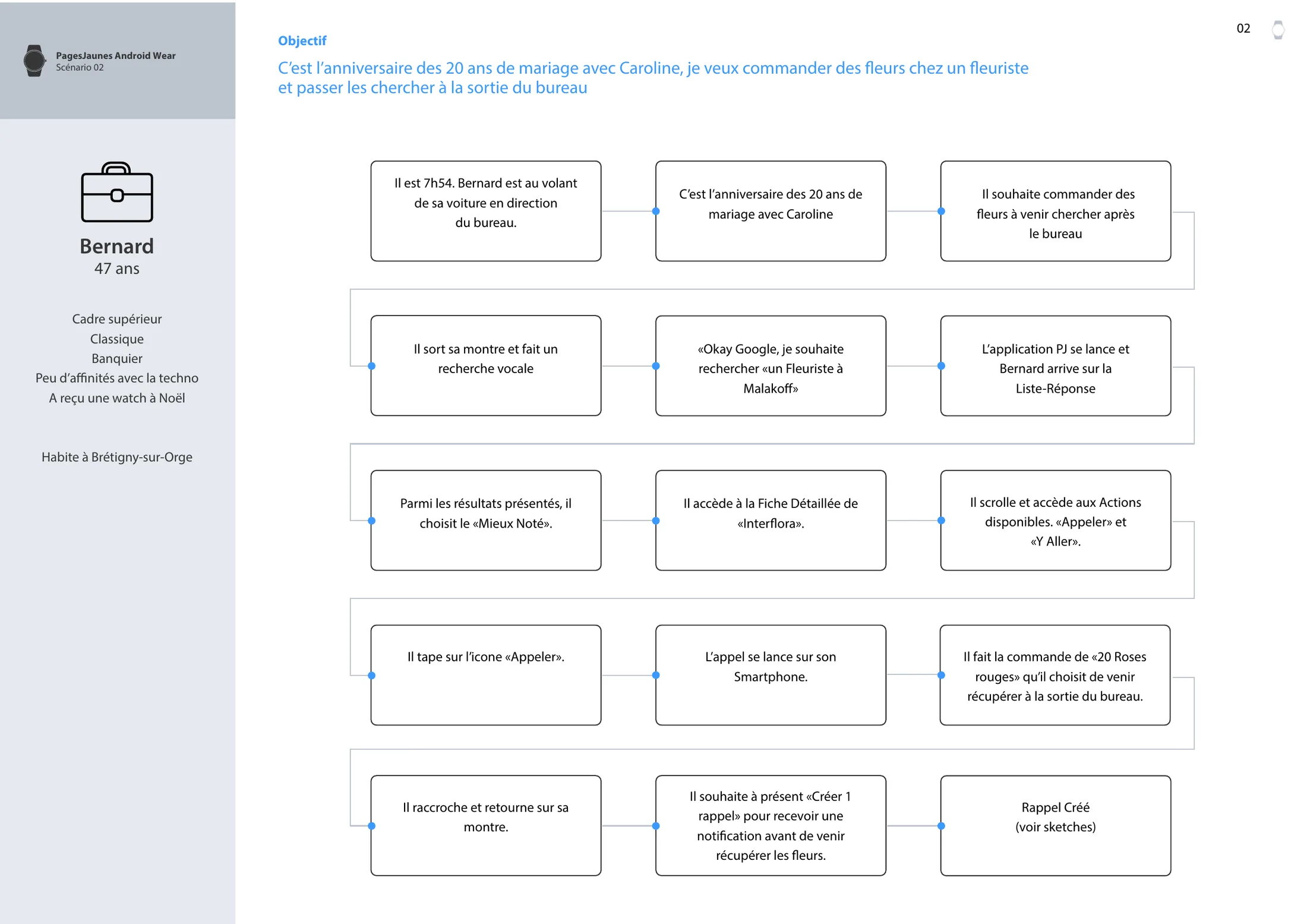
Julien and Bernard, two opposite profiles to frame the journeys.
Sketches and wireframes
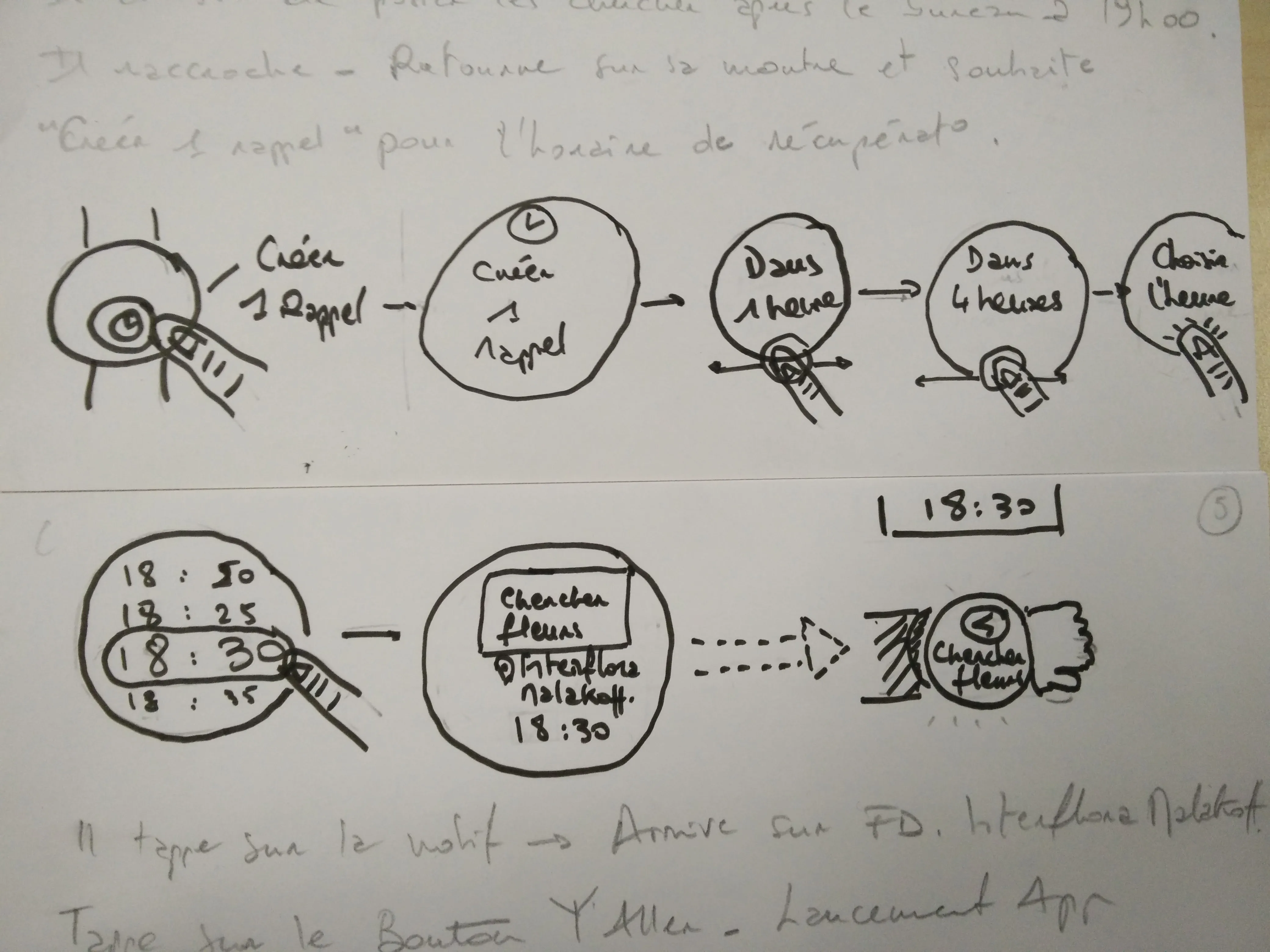
Dozens of layouts explored on paper before opening Sketch.
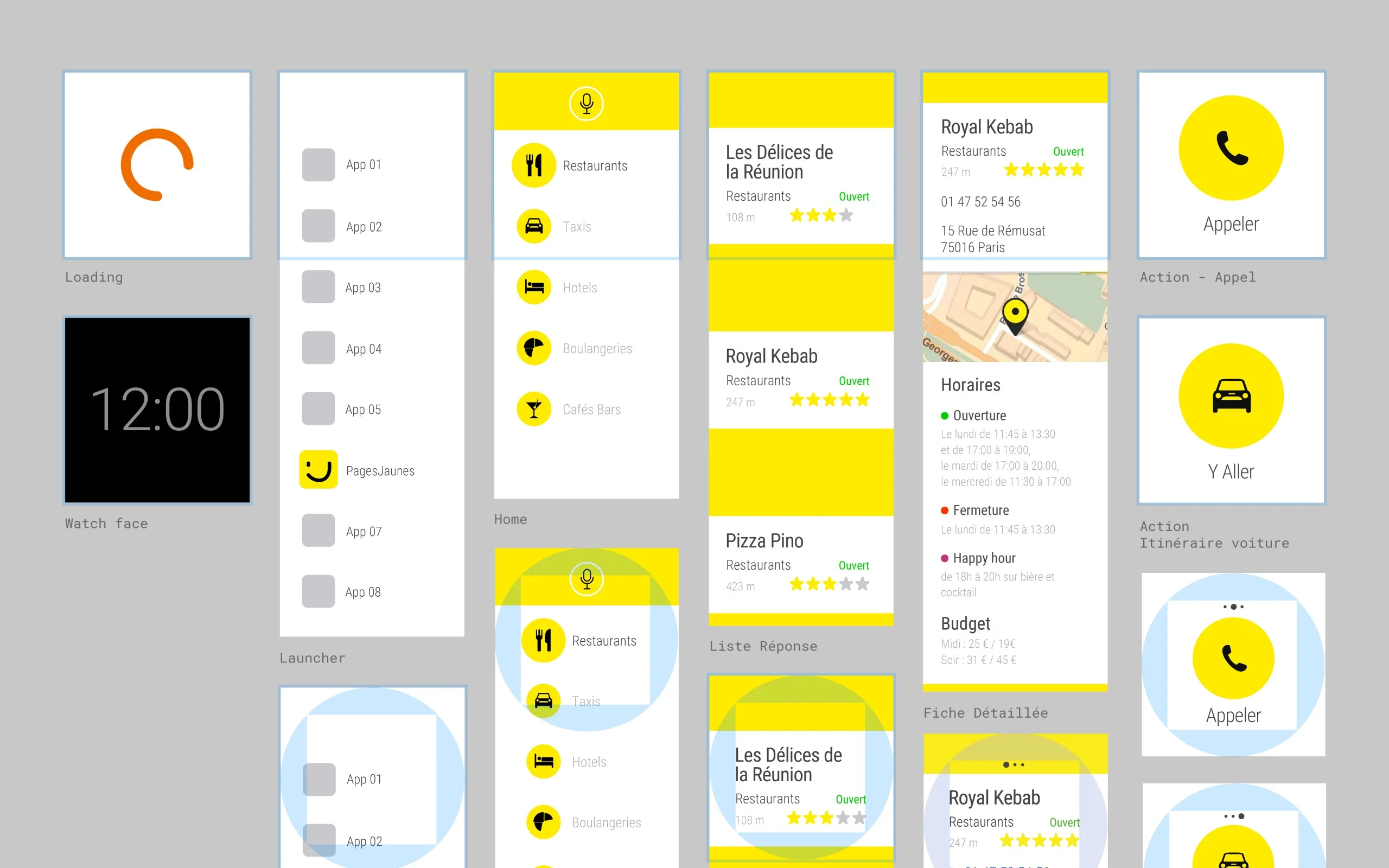
Complete interface
Round and square screens, in regular mode and in ambient mode.
Annotated specifications
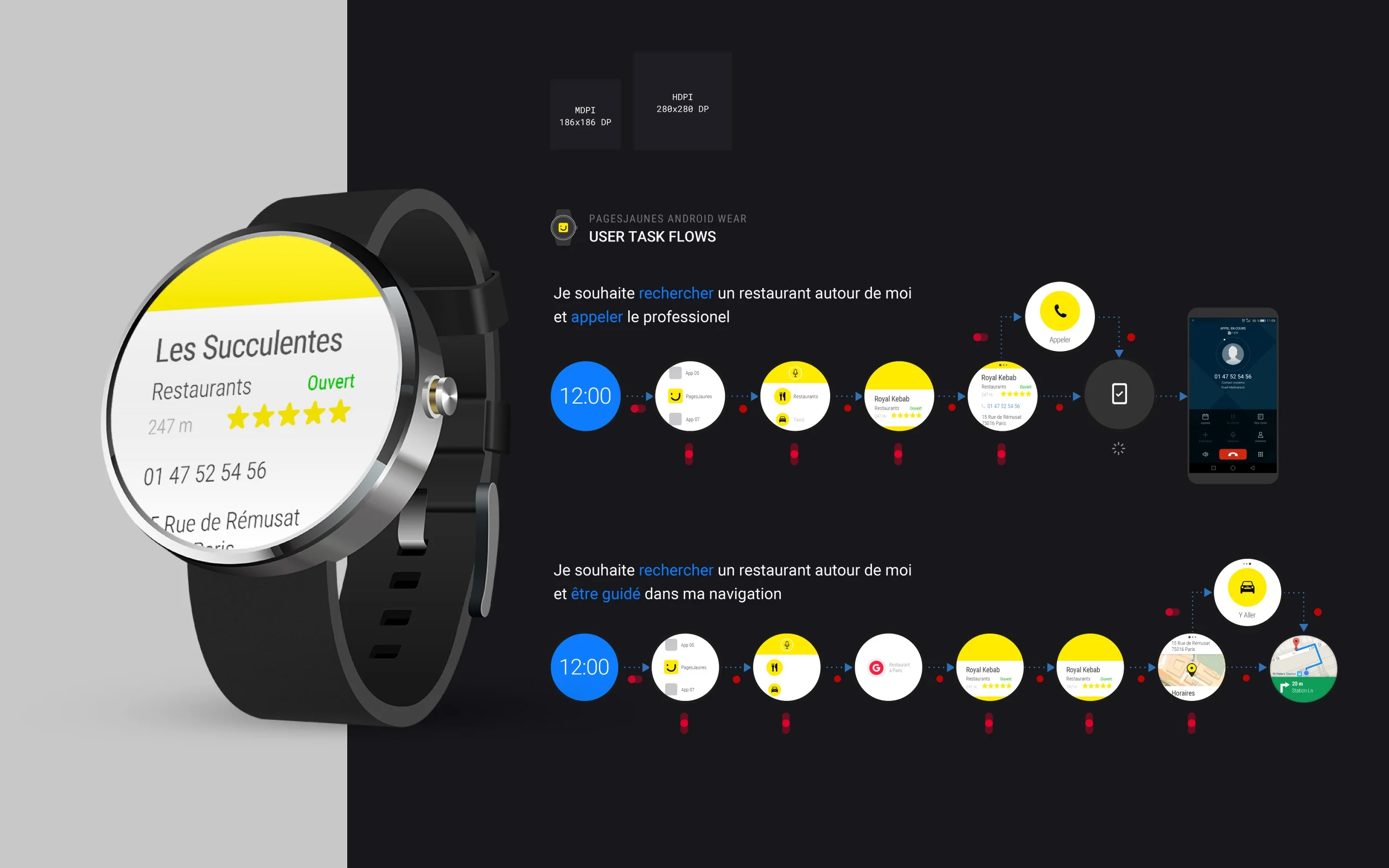
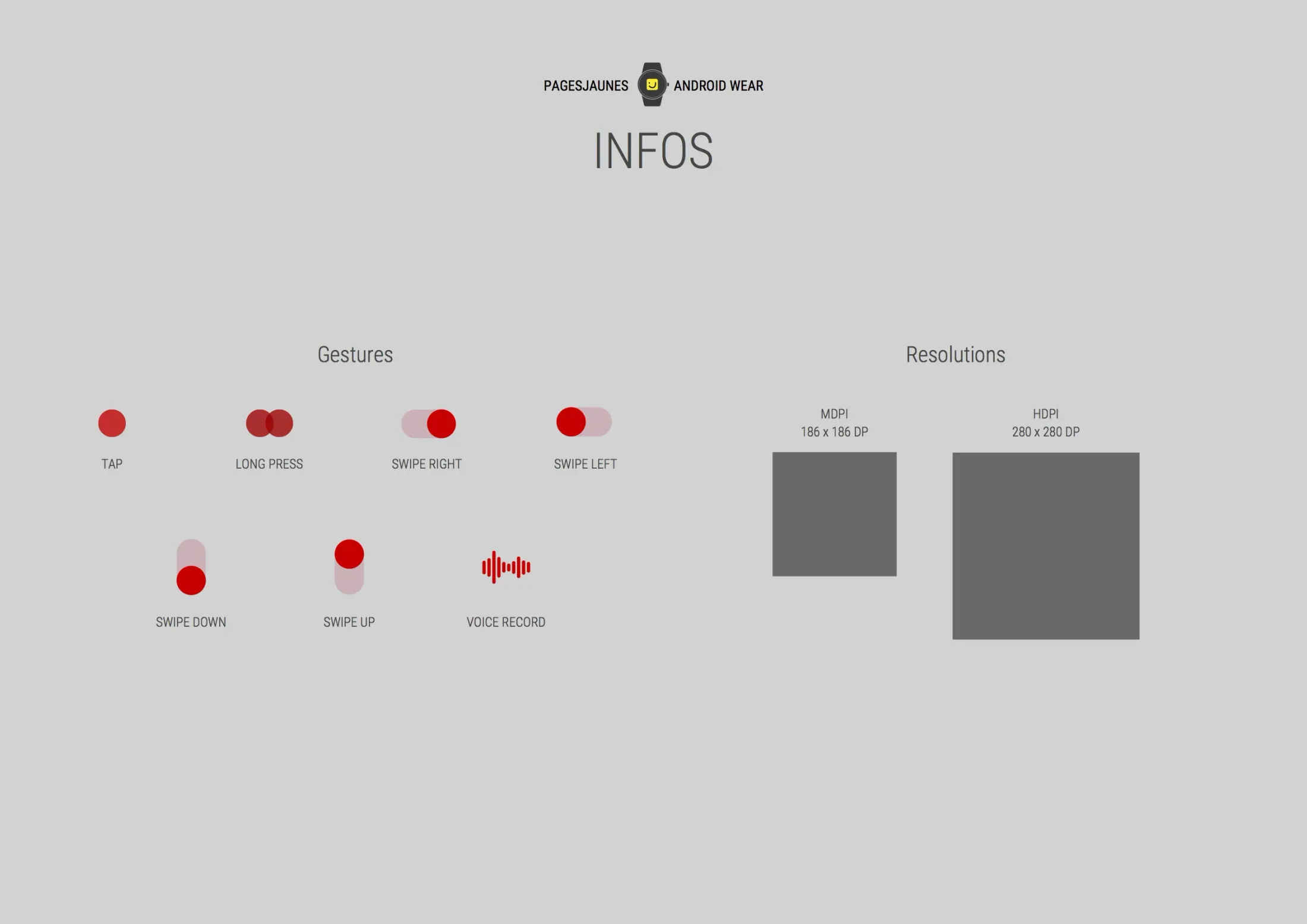
Components, gestures and resolutions, with handoff to the phone for calls and to Google Maps for directions.
Prototypes on real watches
Two prototype videos and the presentation deck for decision makers.
Launch visuals
The Google Play listing visual and the internal launch communication.
Fit a complete local search on a round 280dp screen: find a professional, judge at a glance whether they fit, then call them or get guided there. No keyboard, very few taps. At that size every piece of information displayed pushes another one out, and every extra screen is one more gesture on the wrist.
Three goals: ship on Google Play in two months, cover the two main uses (find and call, find and navigate) in as few taps as possible, and give the app the behavior of a native Android Wear app while keeping the PagesJaunes codes. The app is also the first step of the brand’s move to Material Design.
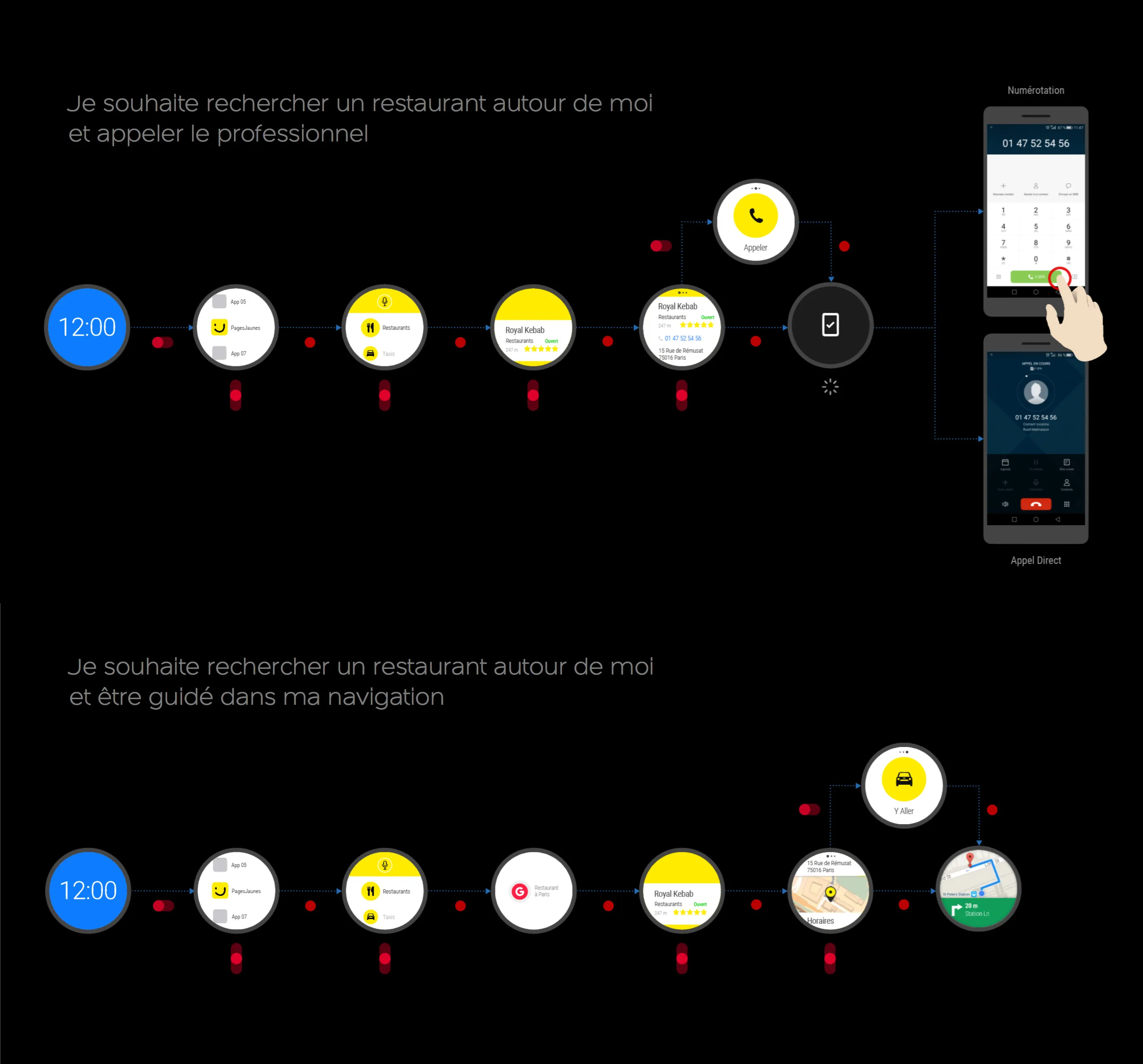
To frame the journeys, I wrote two scenarios around two opposite profiles. Julien, 25, a startup project manager and early adopter, is hungry at noon and looks for a fast-food place near his office: he wants to be guided there. Bernard, 47, a banker with little taste for technology, received his watch for Christmas: at the wheel, he searches for a florist by voice and calls to place an order. Each scenario produced one journey. The gap between a user at ease with watches and one who is not set the bar: the interface had to be understood without explanation.
01 / 02
I started with the Android Wear guidelines: round and square screens, ambient mode, voice input, handoff to the phone. They set three rules for the rest of the work: low-effort use, information readable at a glance, quick actions. The two scenarios became two journeys: find and call, find and get guided.

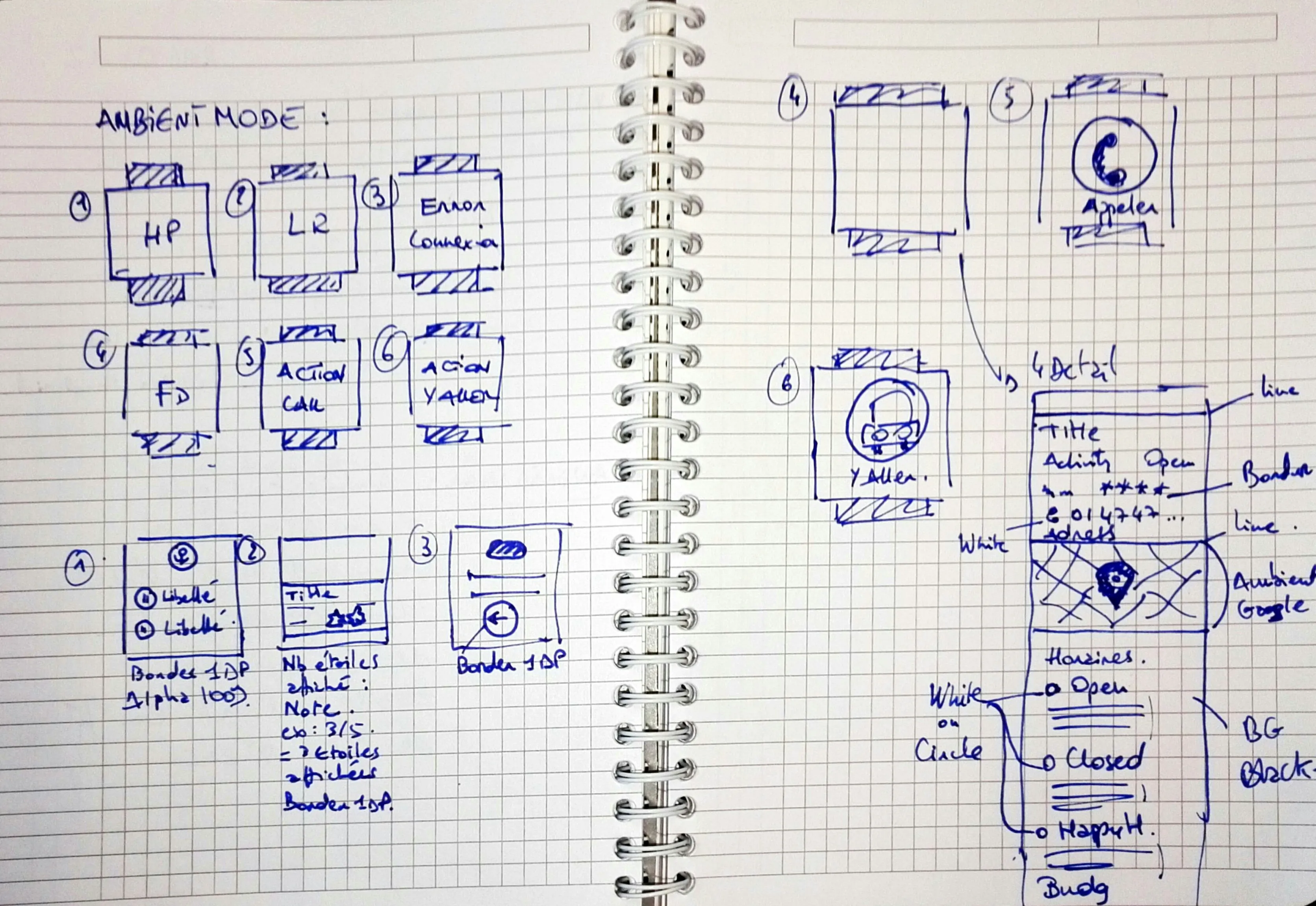
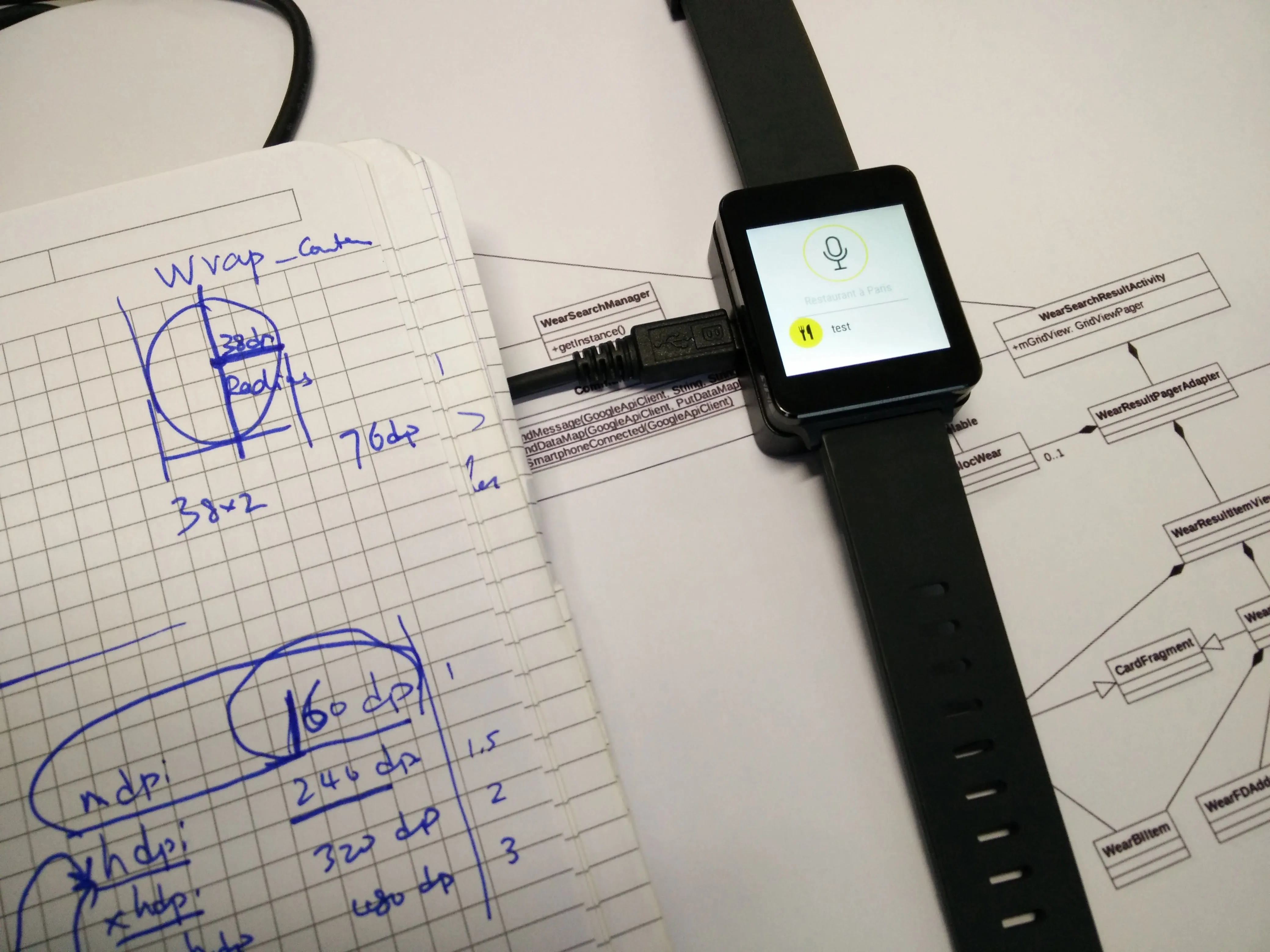
Dozens of layouts drawn by hand, each time with the same question: what to keep on 280dp, and what to leave to the detail card. The sketches also mapped ambient mode, with a low-power equivalent for every active screen.


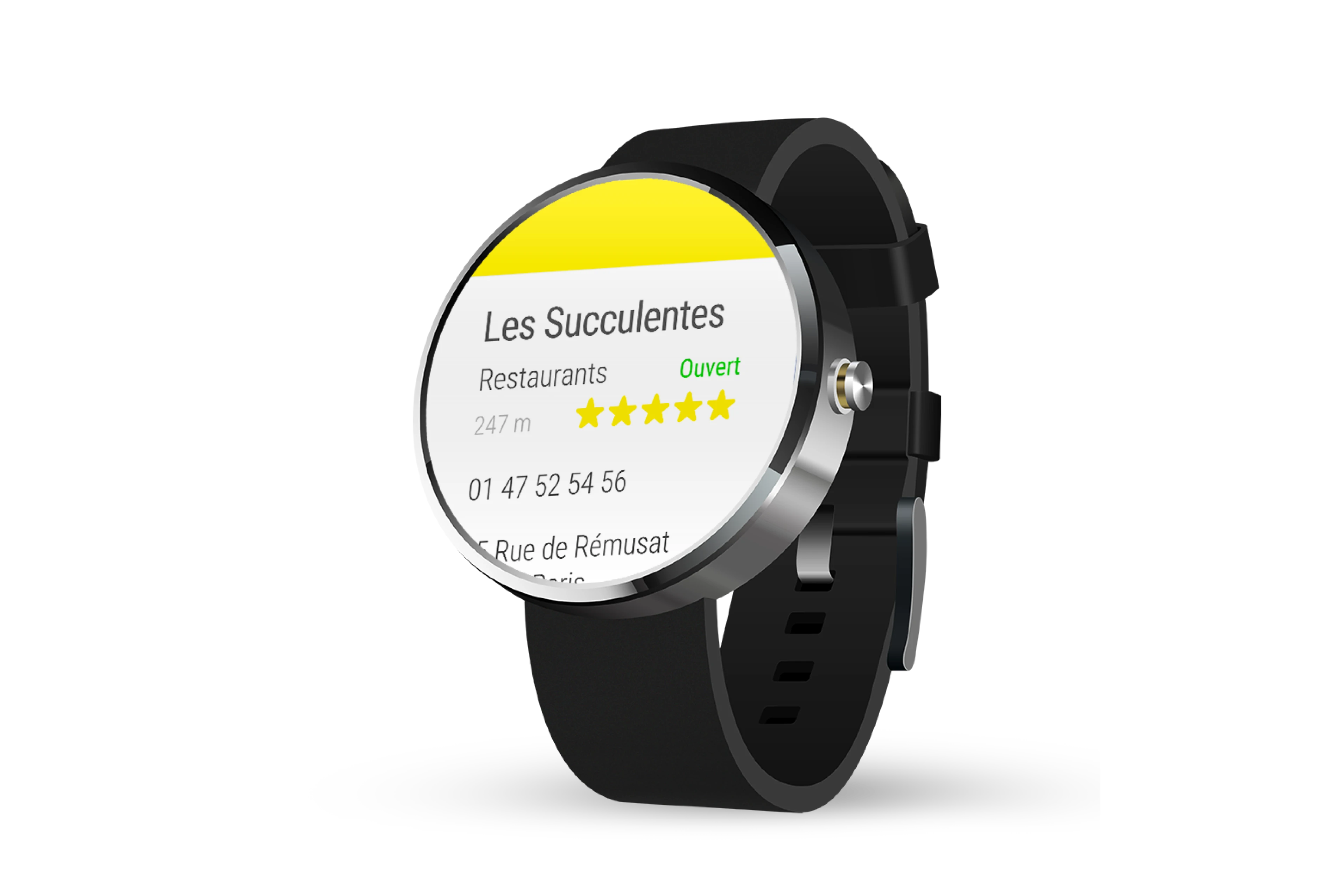
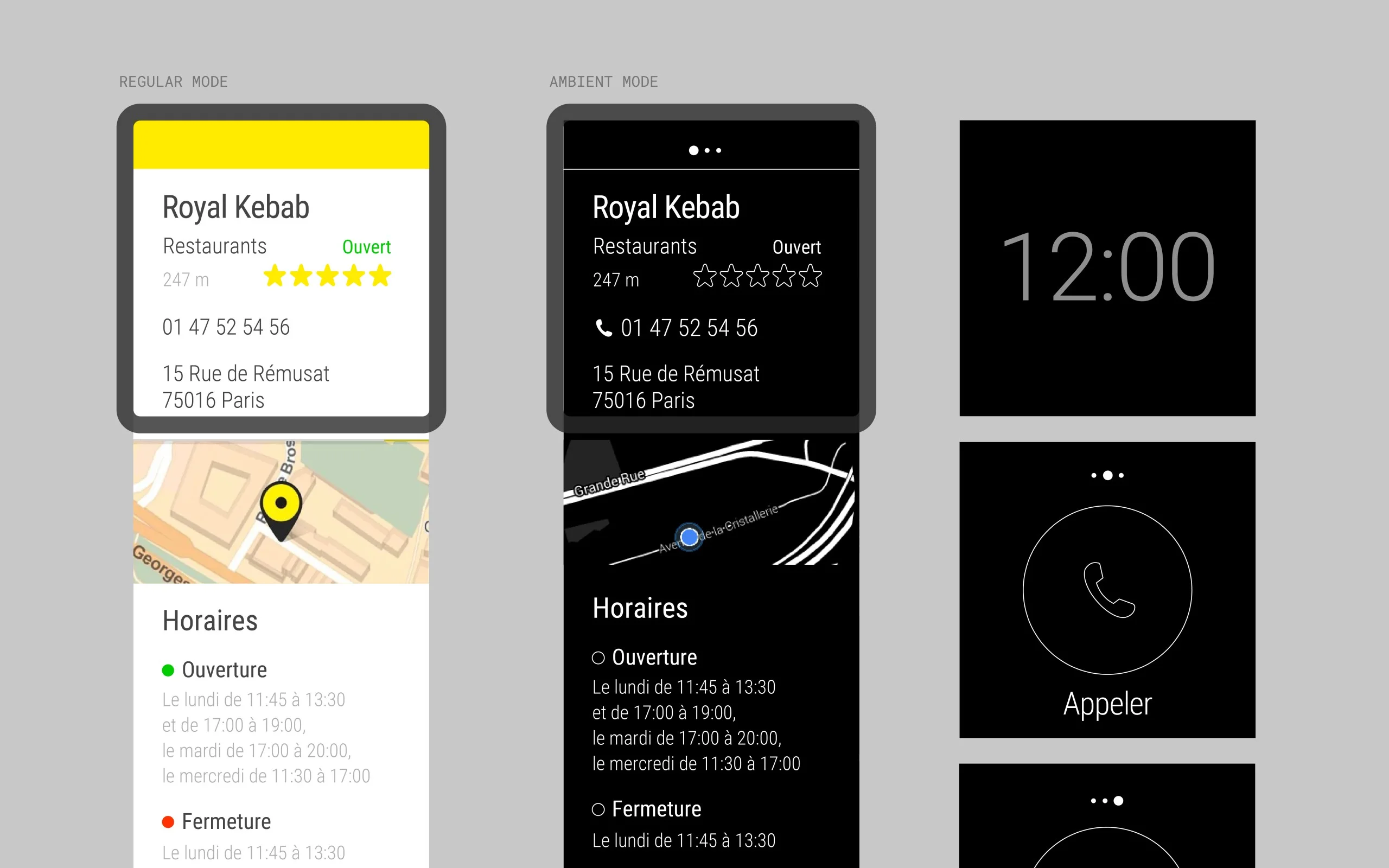
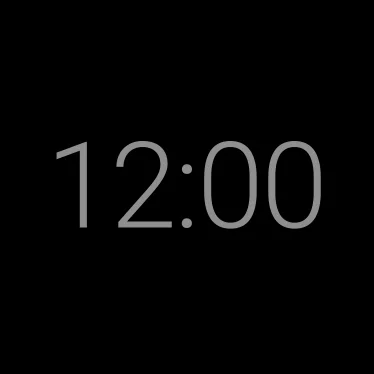
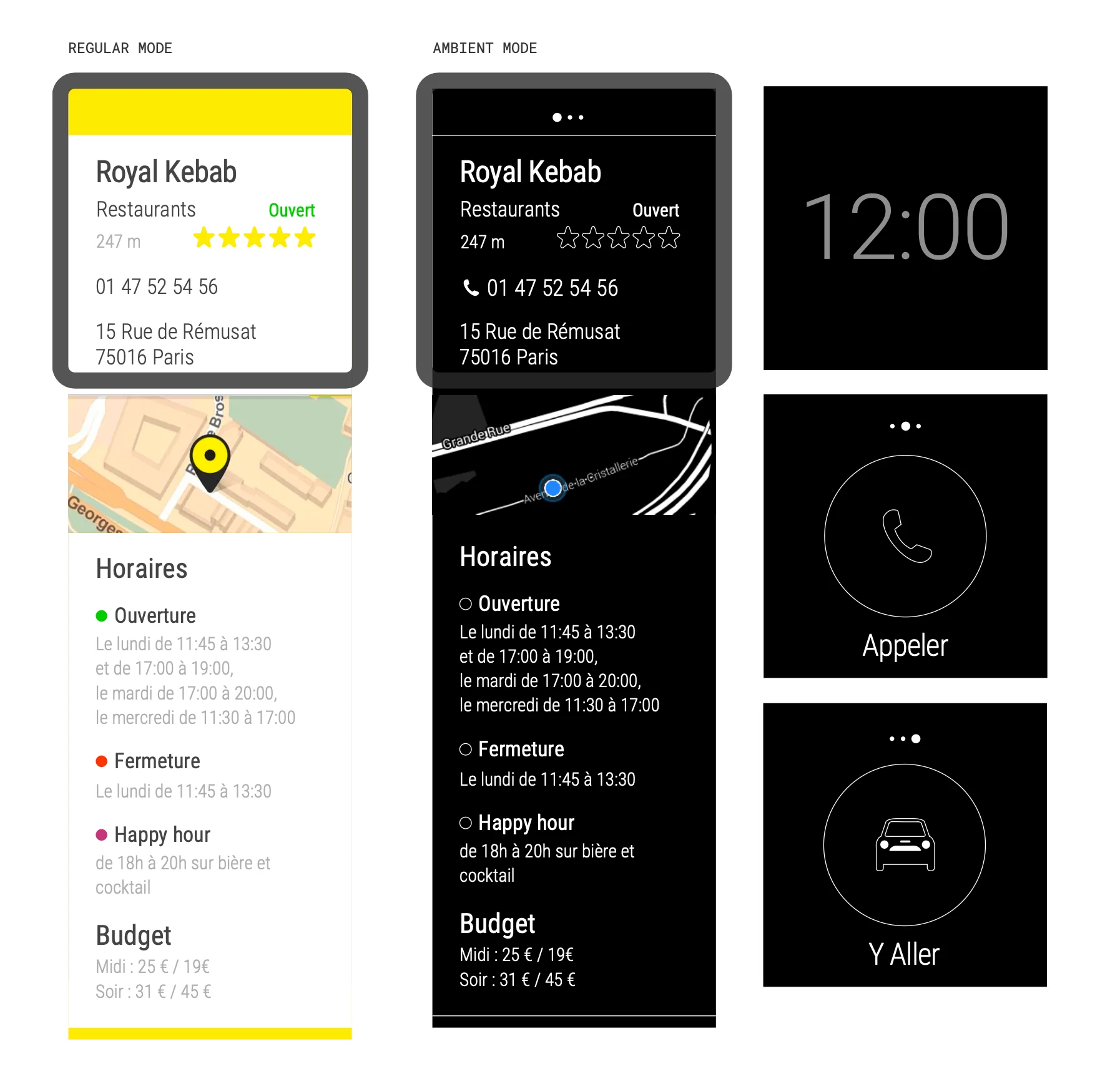
Each screen had to be understood in under two seconds. Regular mode keeps the high-contrast PagesJaunes yellow so the brand is recognized immediately. Ambient mode is reduced to white outlines on black, to spare the battery of an OLED screen. Both modes exist for round and square watches.

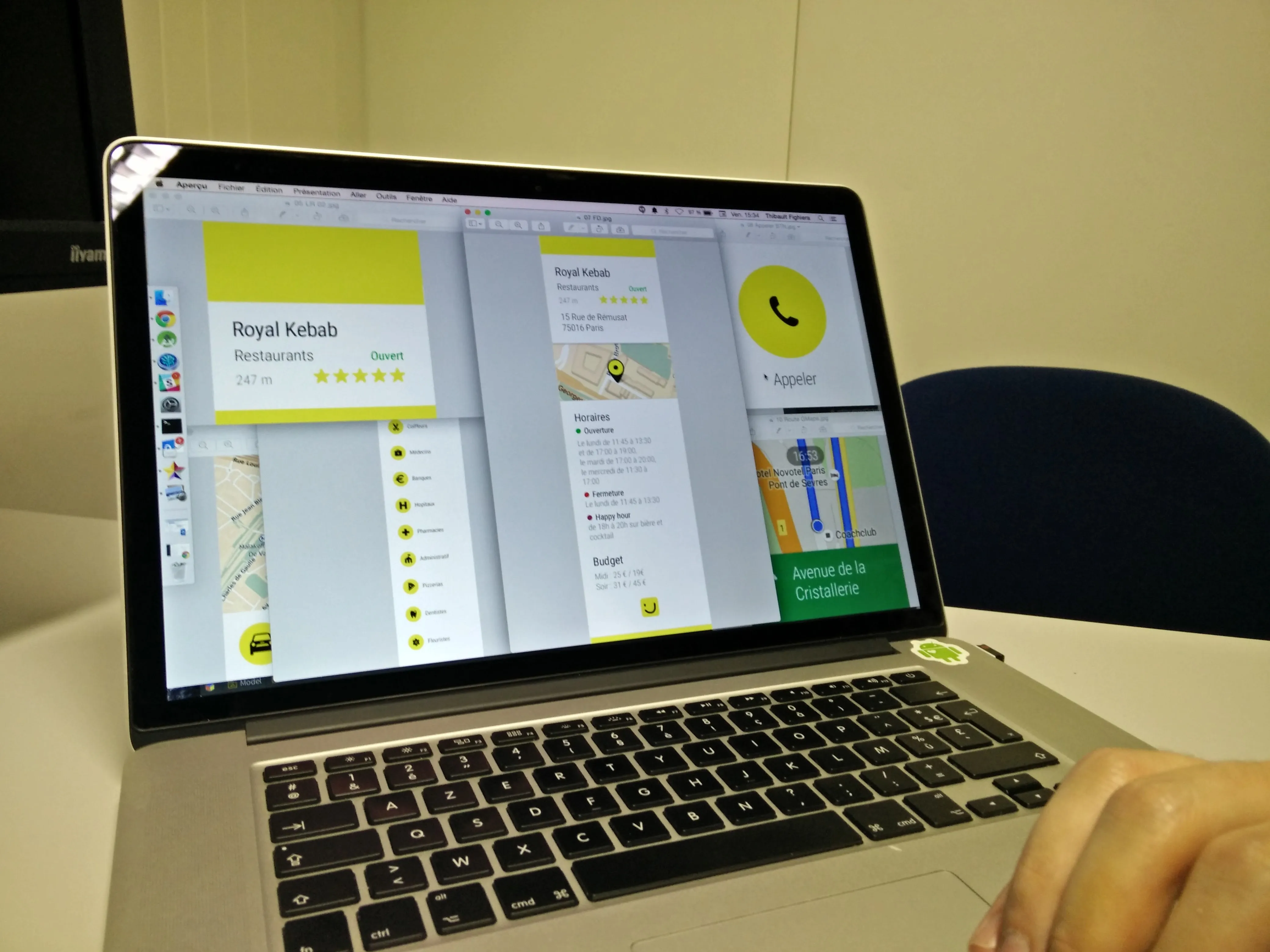
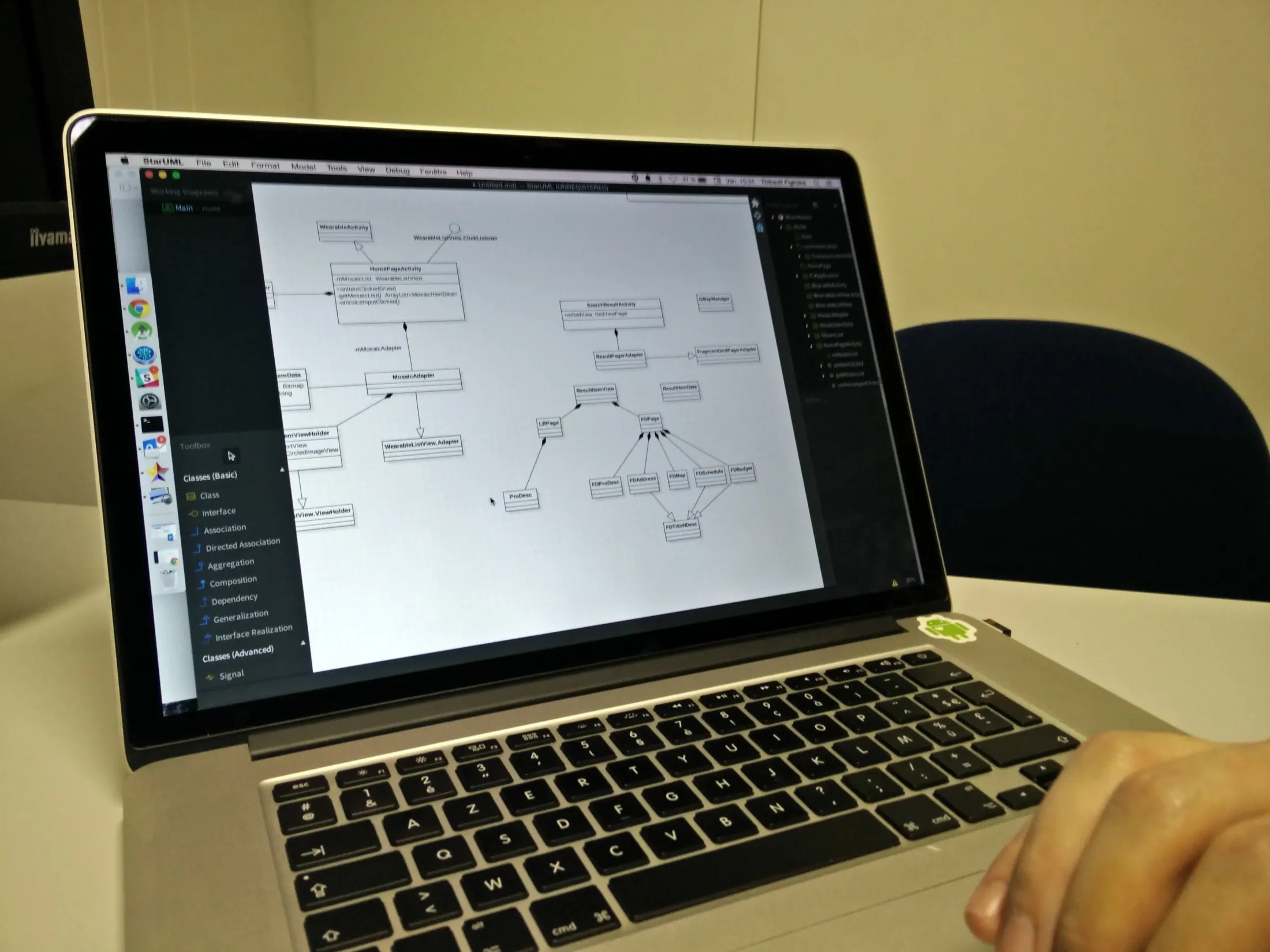
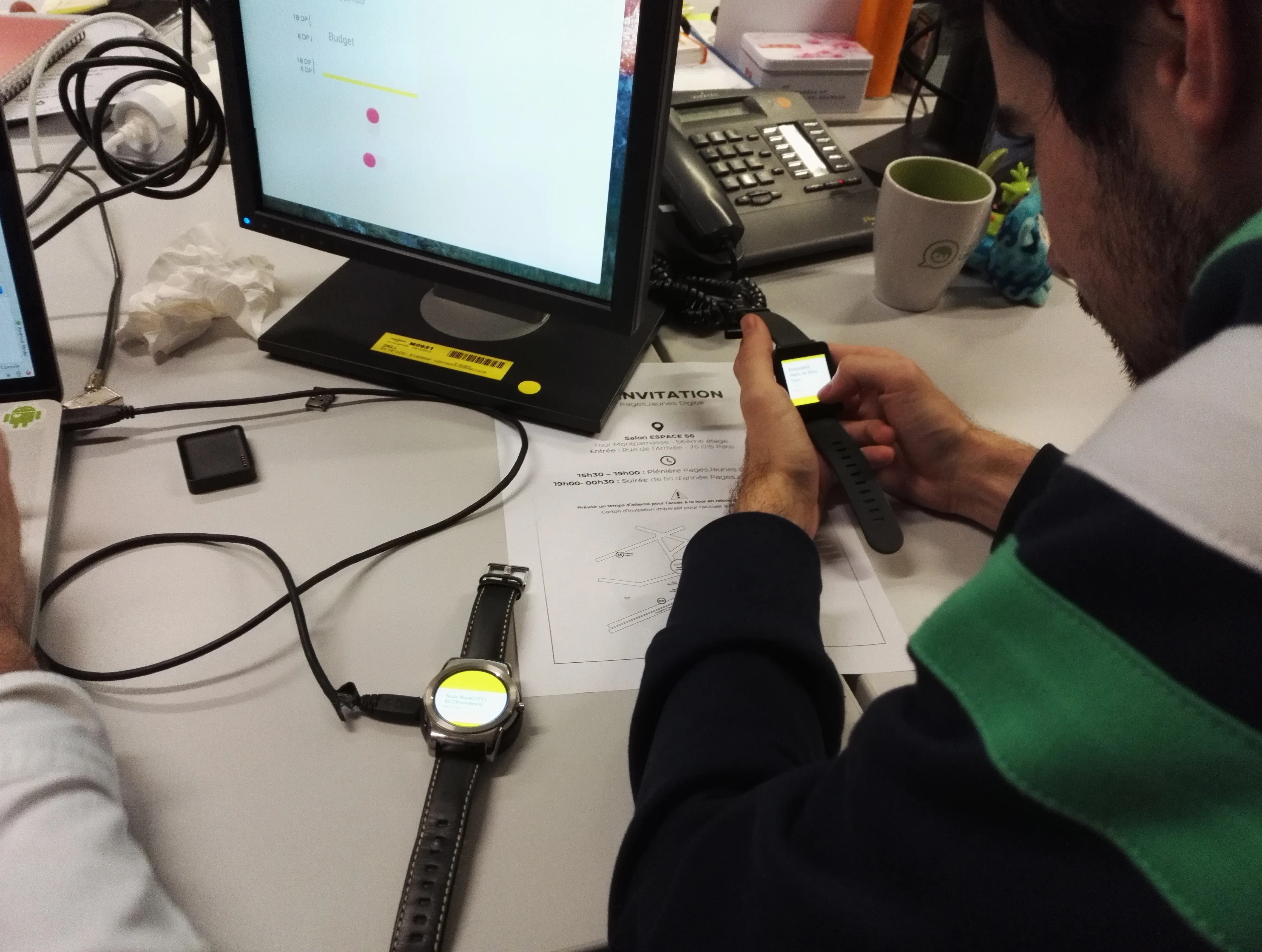
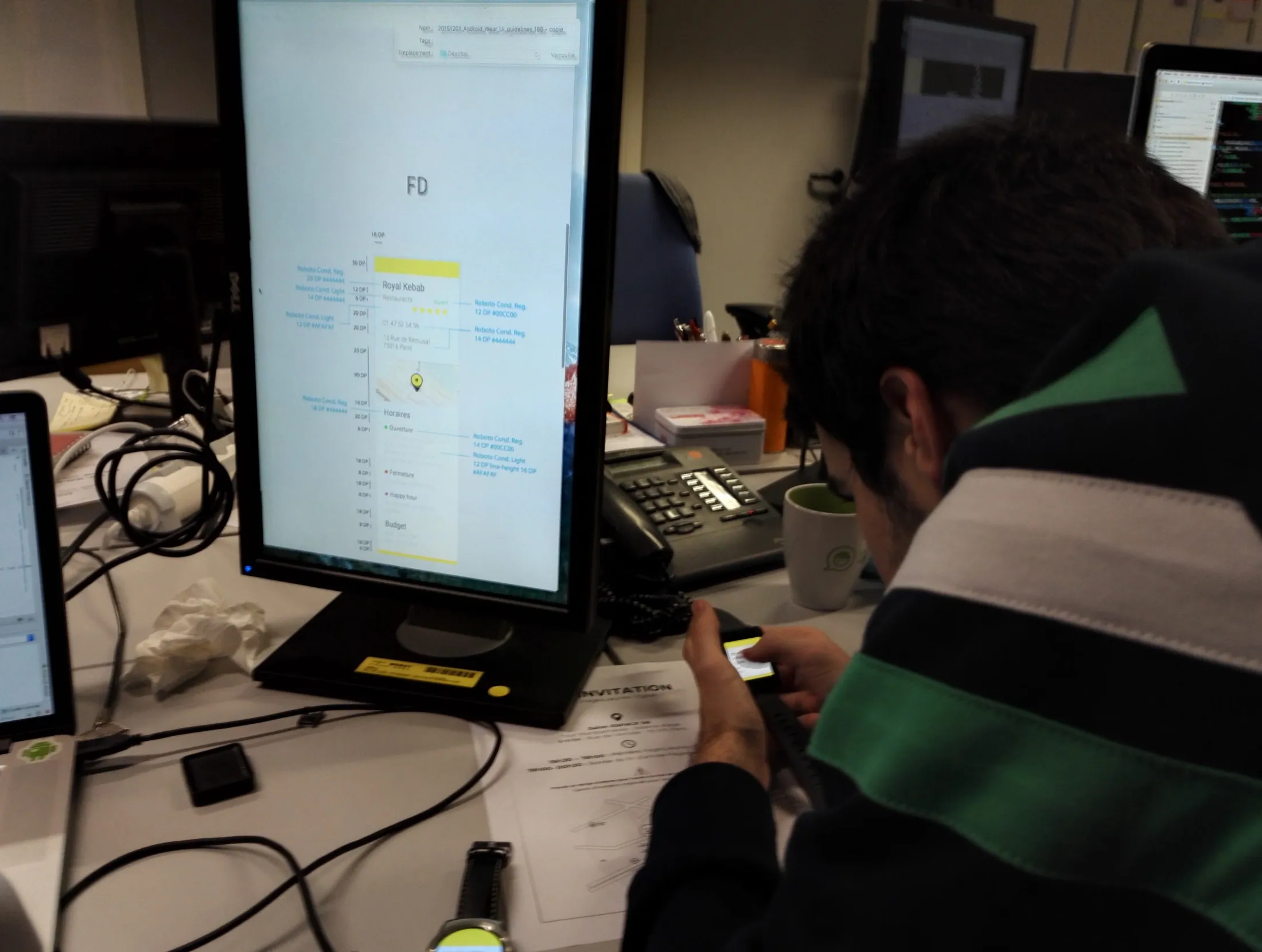
With Thibault Fighiera, we worked as a pair on two connected watches, directly on builds. I prototyped in Keynote, then we checked on the watch: reflections, reading angles and touch targets can only be judged on the wrist. Problems we found were fixed within hours.
01 / 06
Every active screen has its ambient equivalent. The screens below follow the journey, grouped by moment.

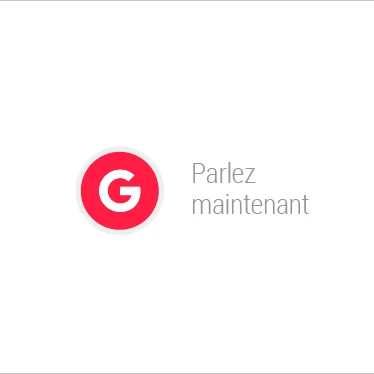
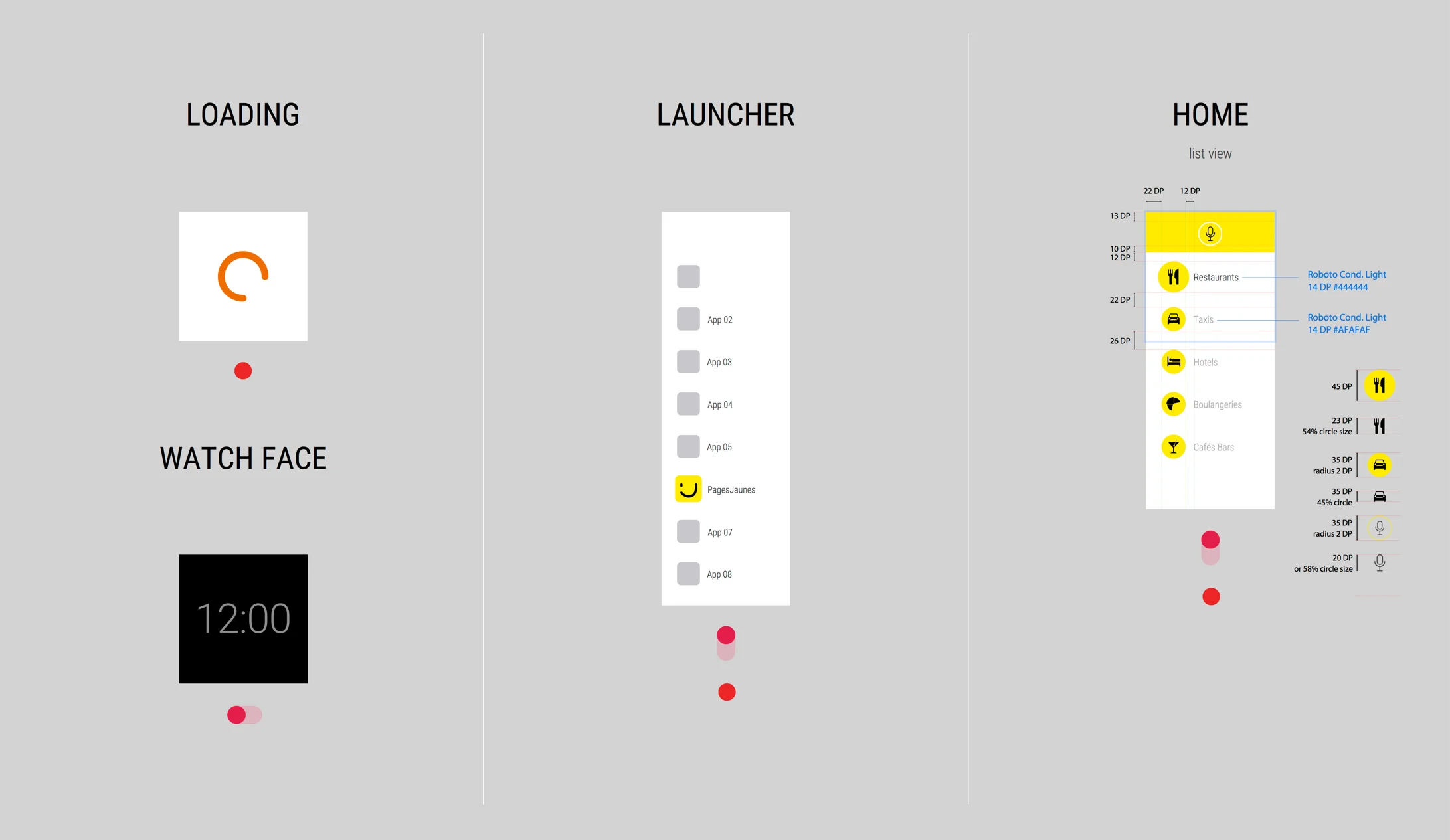
The app opens from the watch face or by voice, with “Ok Google”. A loading indicator confirms the launch right away.
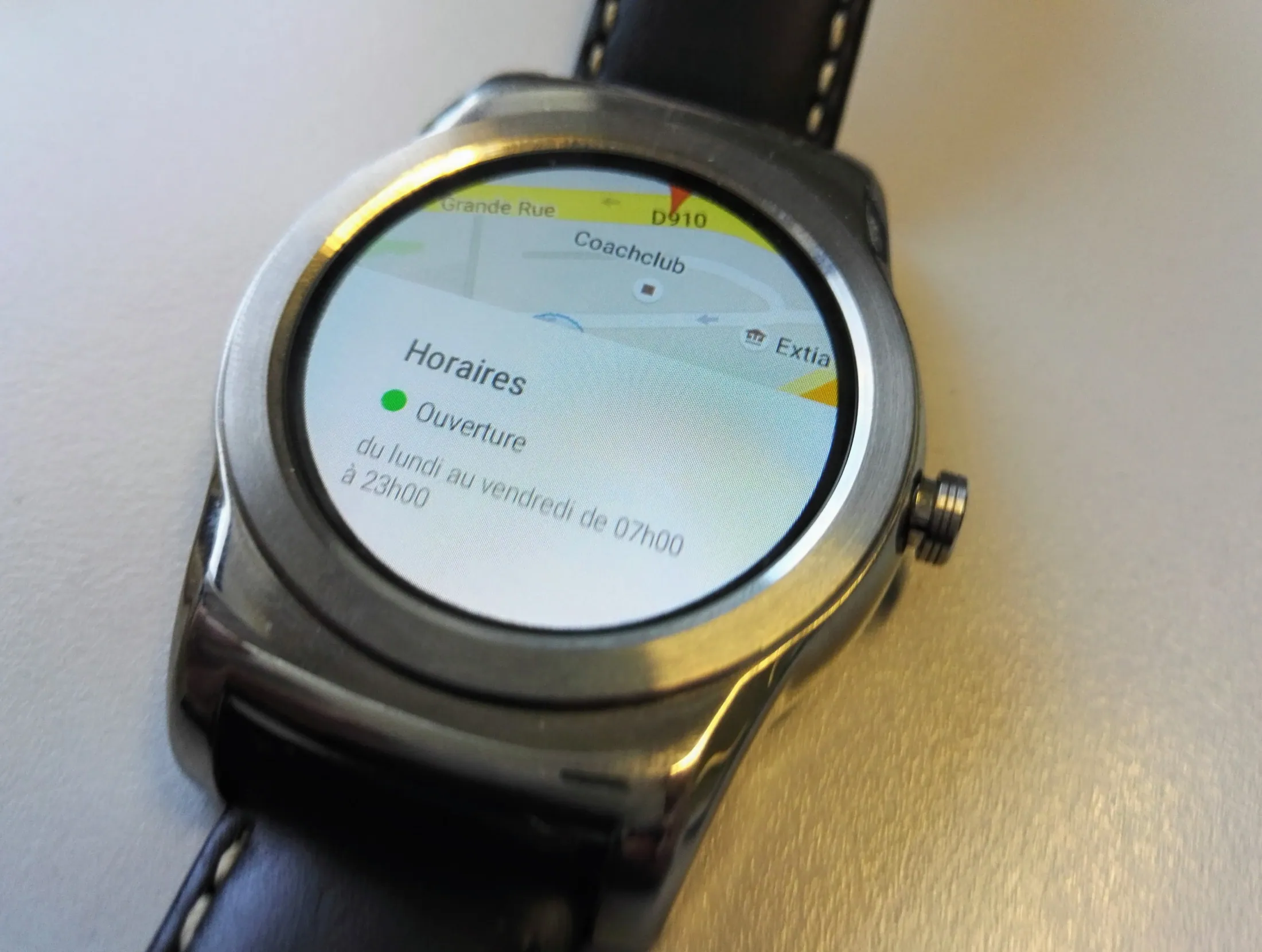
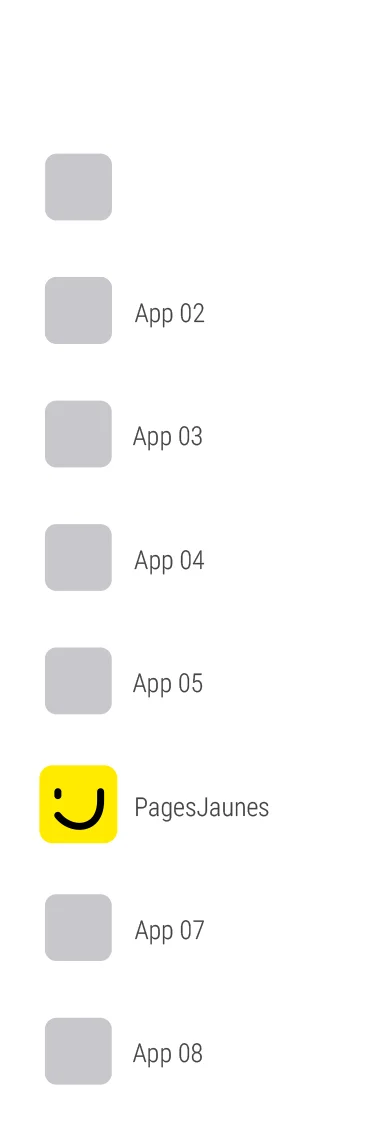
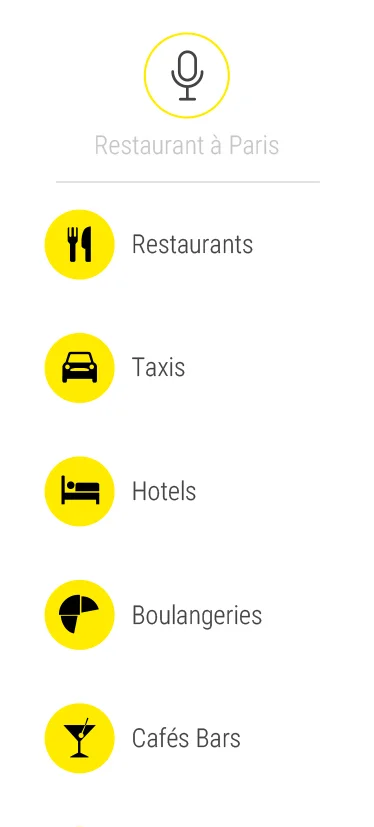
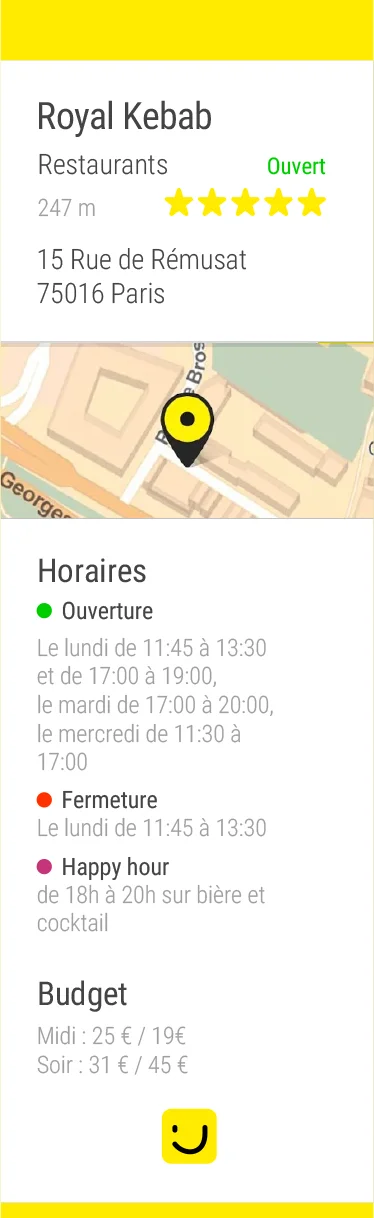
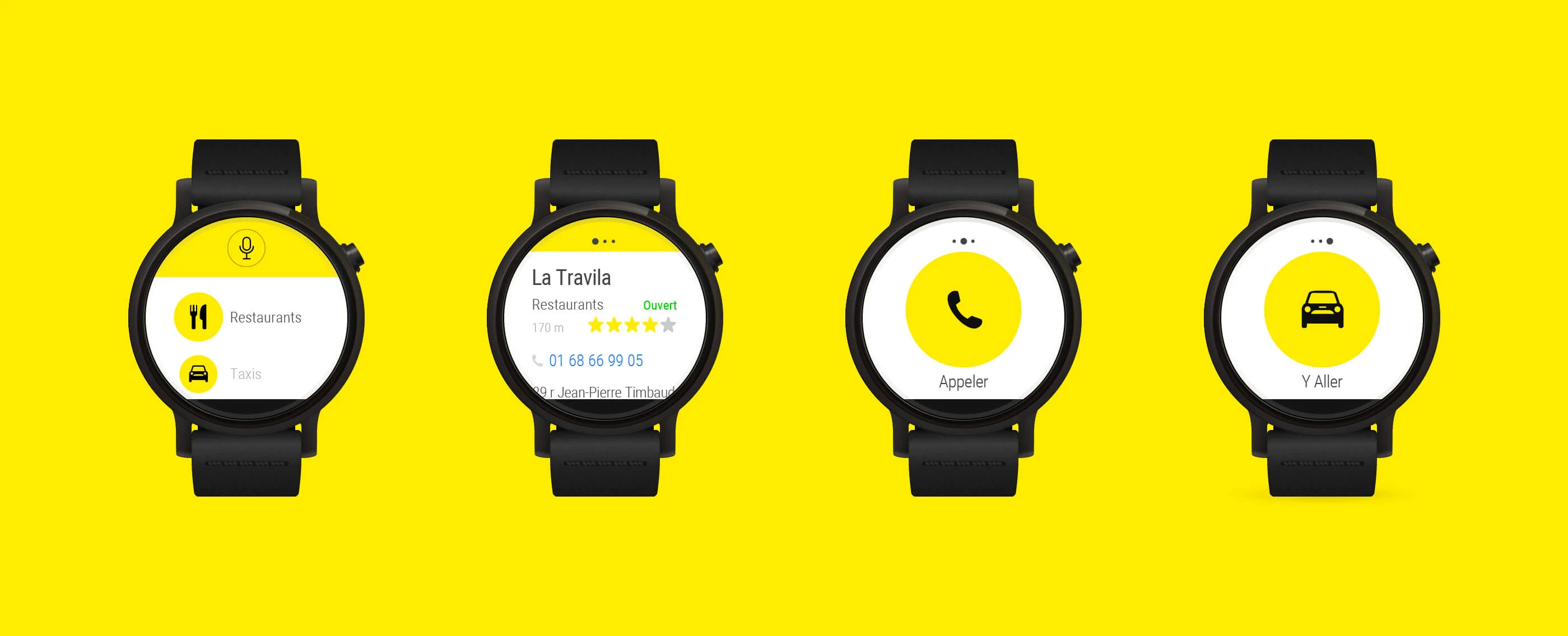
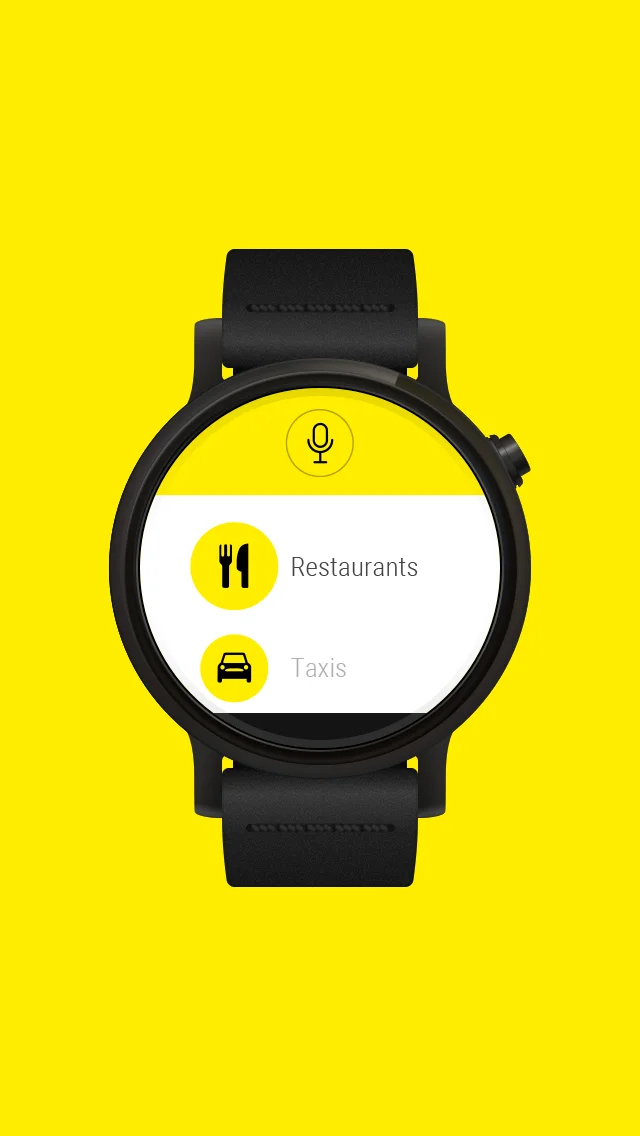
Three screens that scroll. The launcher places the app in the watch’s list. Home offers categories as shortcuts: restaurants, taxis, hotels, bakeries, cafes and bars. The detail card gathers name, category, status, rating, phone and address, then the map, opening hours and budget.
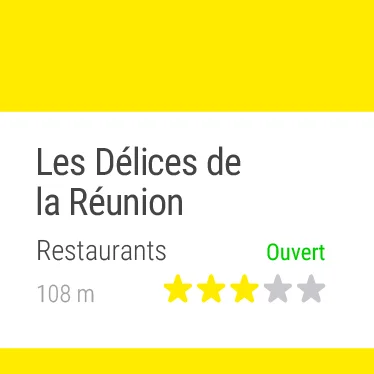
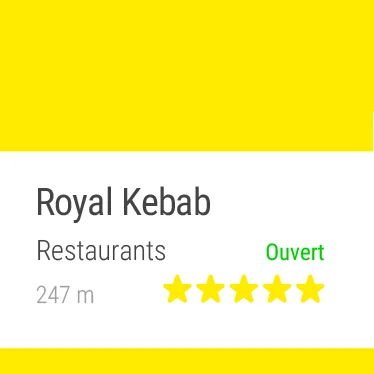
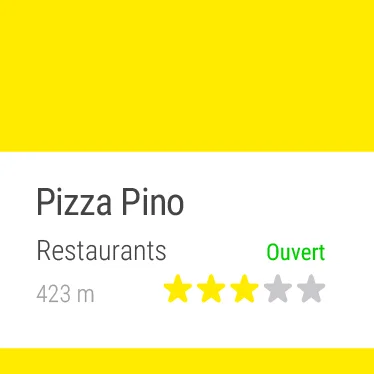
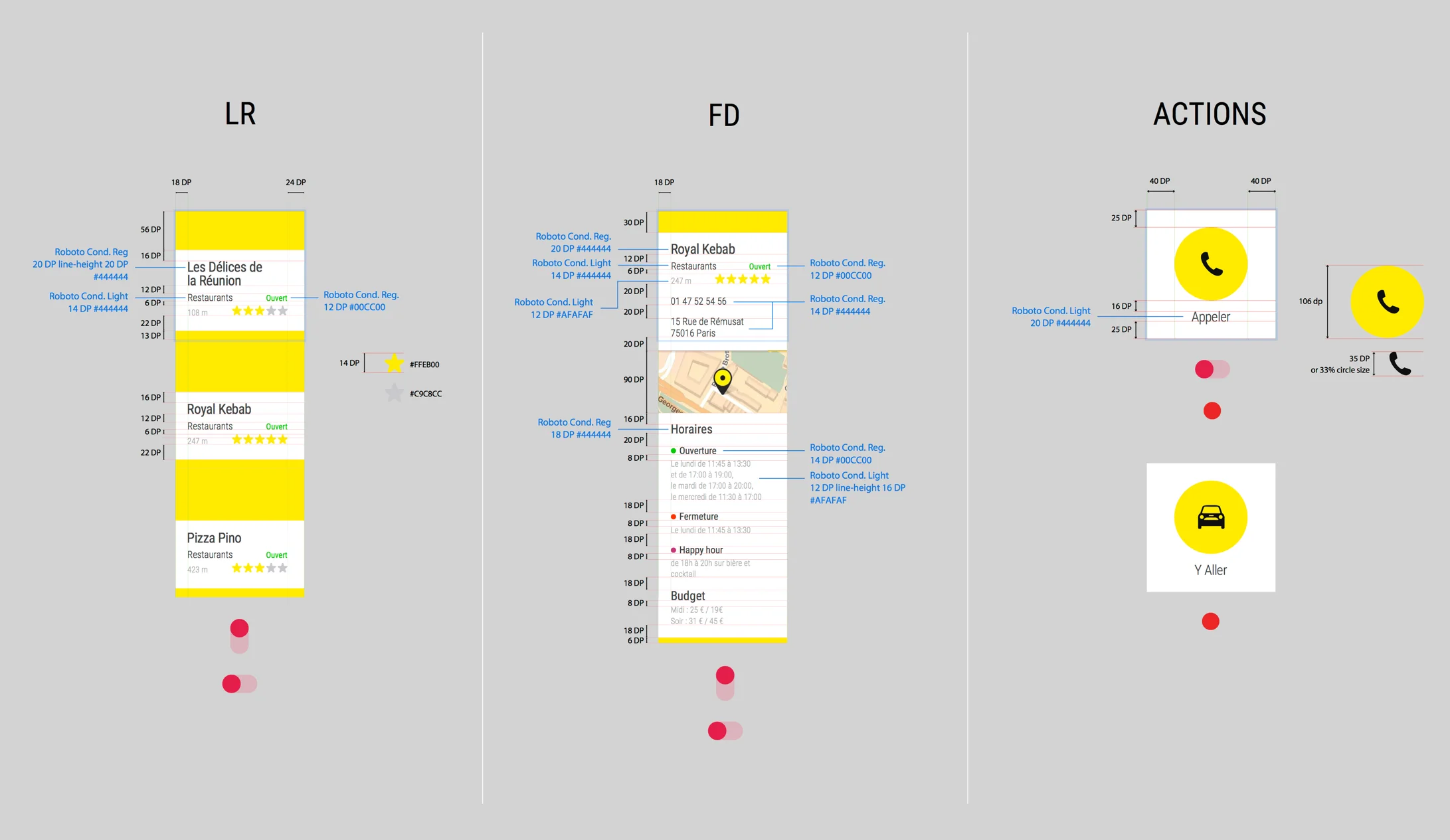
Results appear one at a time, sorted by distance. Each card shows the name, category, open or closed status, distance and rating.
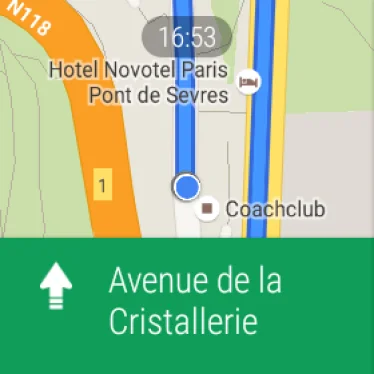
Two actions, one tap each. “Call” starts the call on the smartphone. “Go there” opens Google Maps on the watch and starts the route.

When the watch sleeps, the screen switches to white outlines on black. Hierarchy stays the same: name, status, actions.

The screens are documented for the developer: dimensions, text styles, gestures and the resolutions of round and square screens.


Two visuals mount the screens on a watch: one for the Google Play listing, the other for the internal communication at launch.

The app went live on Google Play two months after the start of the project, with both journeys complete and both display modes.
What stays open is usage. The project was an experiment for the brand, on a platform that was still new. I do not quote adoption figures because I have no data I can source.