Related projects


Lead Interaction Designer/Real-Time Supervision, Classroom UX/2022
Giving teachers the composure to teach in a digital classroom
When the Ile-de-France region distributed a tablet to each of 500,000 students and teachers across 465 high schools, it also created a daily challenge in every classroom: 30 screens open, 30 students connected, and no adequate tool to maintain control of the lesson. SQOOL Classe is the web application I designed to solve that problem.
TypeInteraction Design
ScopeClassroom Management
Period2022
CompanyUNOWHY / SQOOL
500,000 tablets deployed. What happens next?
The teachers we interviewed described the same reality: the tablet added a layer of complexity that was difficult to absorb. Checking that each student was on the right application, managing distractions, reacting to technical issues, all while maintaining the rhythm of a class of 30 teenagers. Existing tools were either too invasive or too fragile for school Wi-Fi.
Observe before designing
College Jean Vilar, October 2023. Before drawing anything, we sit in the classroom. We watch how the teacher manages tablets, what takes time, what creates friction.
How do you give a teacher real-time visibility into 30 screens without turning the classroom into a control room?
Three principles that guided every decision
Instant readability
The teacher should be able to scan the entire class at a glance, between two explanations at the board.
One-tap action
Lock all tablets, send a document, project content: every critical gesture reachable in a single tap.
Calm interface
Information density calibrated to reassure, not to constantly alert. Visual warnings reserved for situations that genuinely need attention.
Teacher side
What does the teacher see when they look at their class?
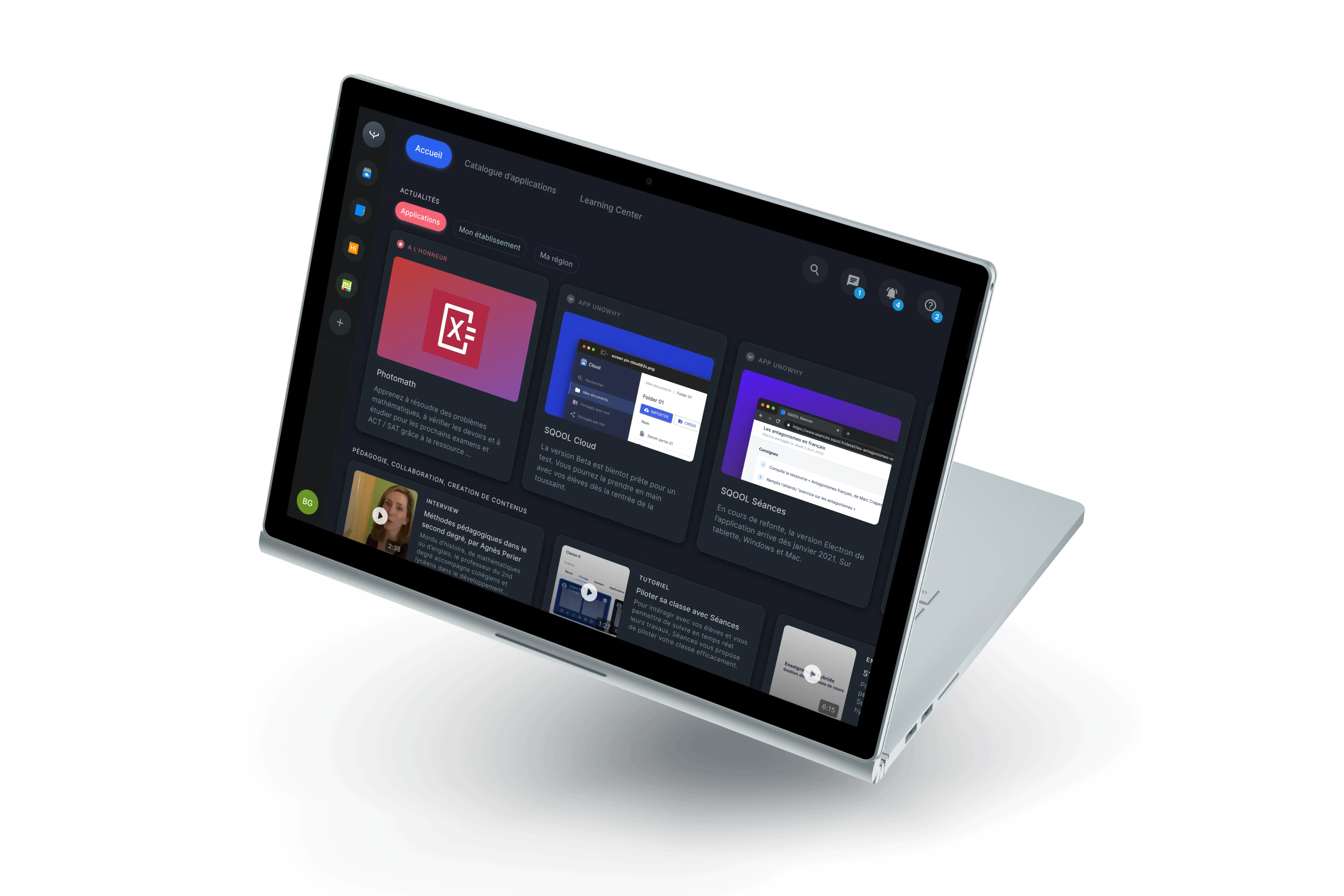
SQOOL Classe rests on one component: the student card. Each tile surfaces the student's name, active application, battery level, and connection state. The grid works like a dashboard the teacher glances at between two explanations, not a monitoring screen that requires analysis.
Student side
Present when needed, invisible the rest of the time
On the student side, SQOOL Classe only appears when there is something to do: join a session, receive a document, respond to a poll. The rest of the time, the tablet remains a regular work tool. This design choice is deliberate: the student should not feel watched, but know they are supported.
What this work produced
SQOOL Classe became the reference application within the SQOOL suite. Pilot teachers reported a concrete gain in classroom composure and a significant reduction in device management time.
Schools equipped across Ile-de-France465
Interactive prototypes covering every flow50+
Average class setup time with QR code join30s
Web app, tablet and desktop, no install1
«For the first time, I felt I could manage my classroom without raising my voice. SQOOL Classe gave me back my composure.»
«I had the chance to work with Victor for 3 years as a duo, and he is one of the most inspiring designers I have ever worked with. Victor combines boundless creativity with impressive rigor. He knows how to translate complex visions into clear and impactful user experiences. Always listening, curious, he constantly pushes thinking further, whether on substance or form. I particularly valued our ability to co-build: he is not afraid to challenge ideas while remaining kind, focused on product quality and user impact. I recommend him to any team looking for a Lead Designer who is creative, demanding, and deeply human.»