
Senior Product Designer · Media Management, Design System · 2017-2018
Empowering Dailymotion's Video Partners to Manage, Publish and Go Live with Confidence
Improved media management tools for video publishers
Between 2017 and 2018, I was responsible for the UX and UI of Dailymotion's partner tool ecosystem. These web and mobile tools empowered over 30,000 content partners, including broadcasters and media publishers like France TV, CBS, and beIN Sports, to upload, edit, and livestream videos to their audiences.
Visit Dailymotion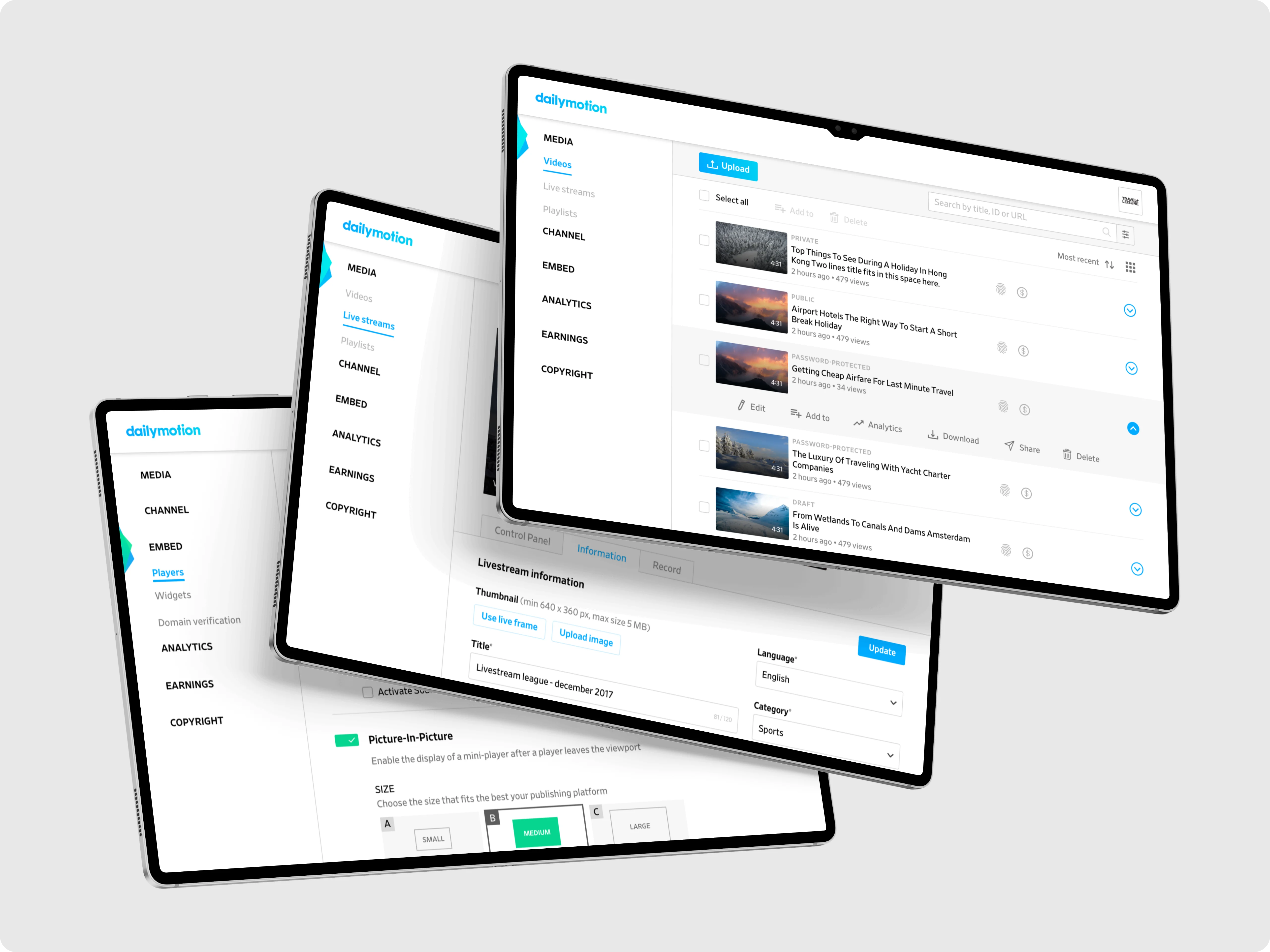
Overview
Introduction
Dailymotion was undergoing a major strategic pivot, shifting from general consumer content to repositioning itself as a premium platform for media partners. While high-profile partners were onboard, the existing platform tools were outdated, clunky, and inconsistent, hindering professional use. Thousands of videos were uploaded daily, managed from a legacy backend.
Role and scope
As Senior Product Designer for the Partner Business Unit, my role was to co-lead the full redesign. Rebuild the experience into a real control center for media operators.
Strategic goals
- •Rework the media manager experience upload, edition and distribution
- •Design a new Live Dashboard for video broadcasts
- •Rethink player and widget managers
- •Establish a scalable design infrastructure
TypeProduct Design
ScopePlatform Redesign
Period2017-2018
CompanyDailymotion
Key product modules delivered
Video Upload and Management Workflows
How can a media platform help publishers process, manage, and monetize thousands of videos daily?
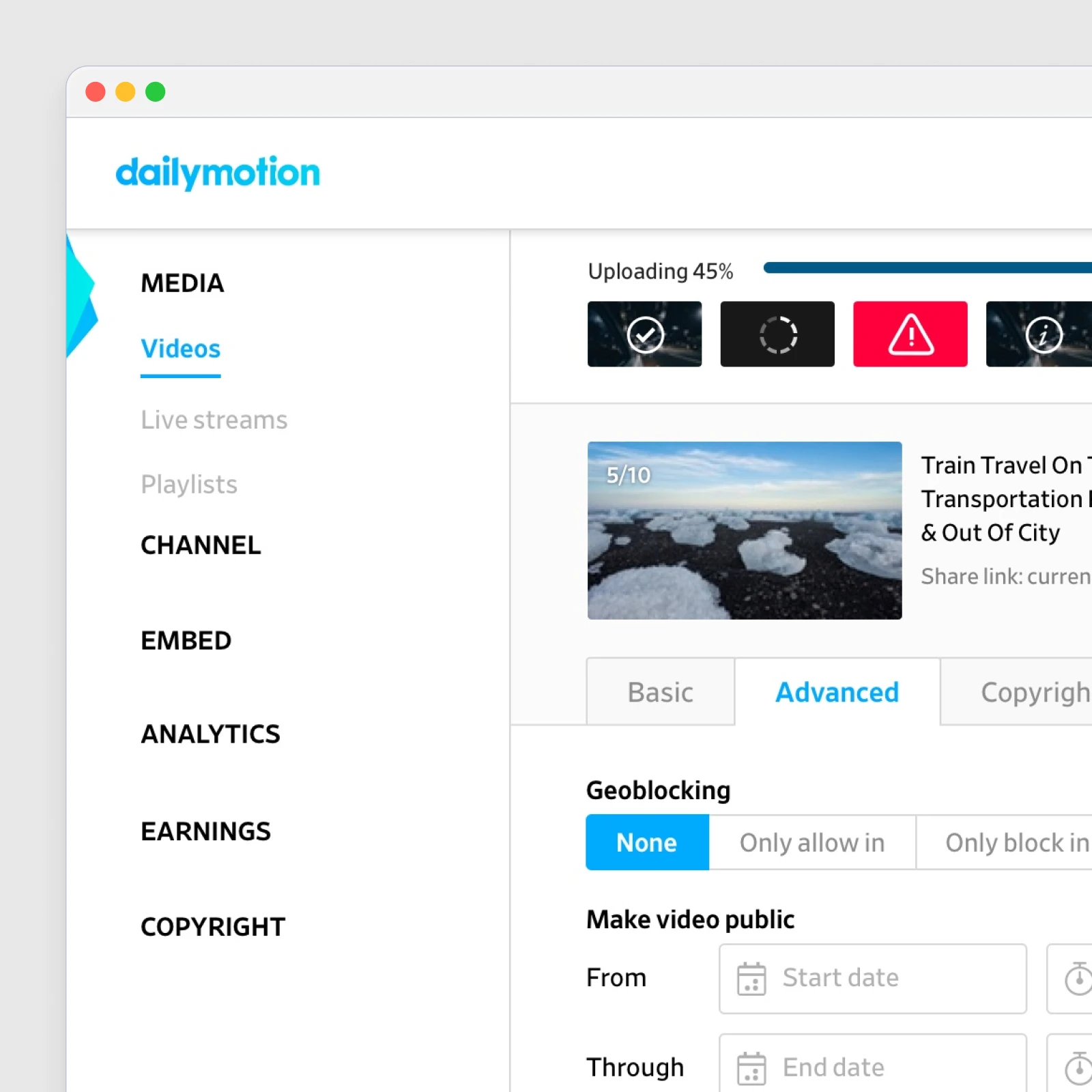
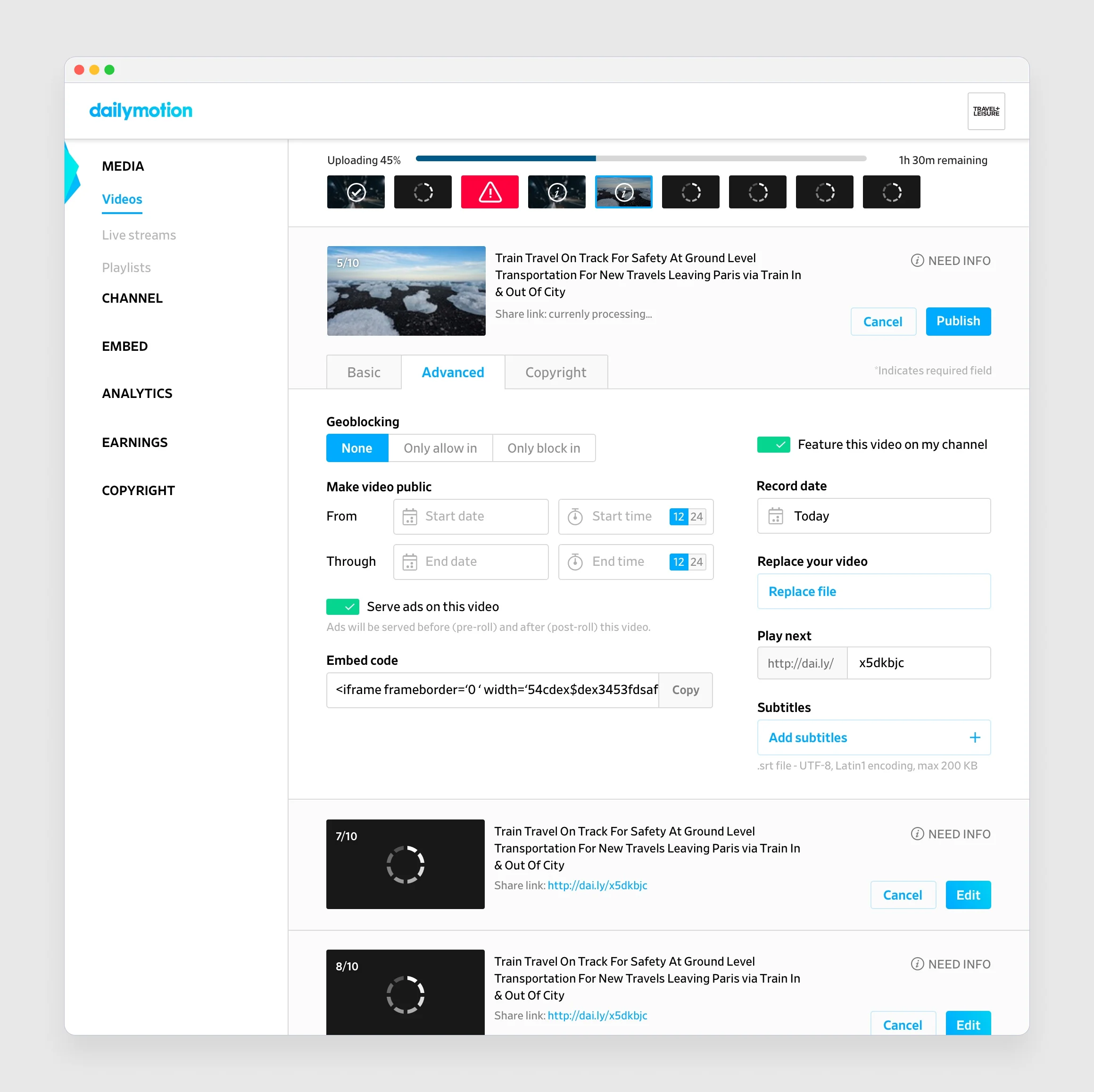
Managing large volumes of video required more than an upload button. Dailymotion's media partners worked with industrial-scale workflows, multiple encodes, metadata rules, ad configuration, and distribution timelines that all had to stay in sync. The objective was to design a system that made these operations fast, traceable, and intuitive. The new Upload flow introduced parallel processing with real-time progress and error visibility. Editors could queue files, edit titles or geoblocking while encoding ran, and publish once all checks passed.
Upload
Video Library
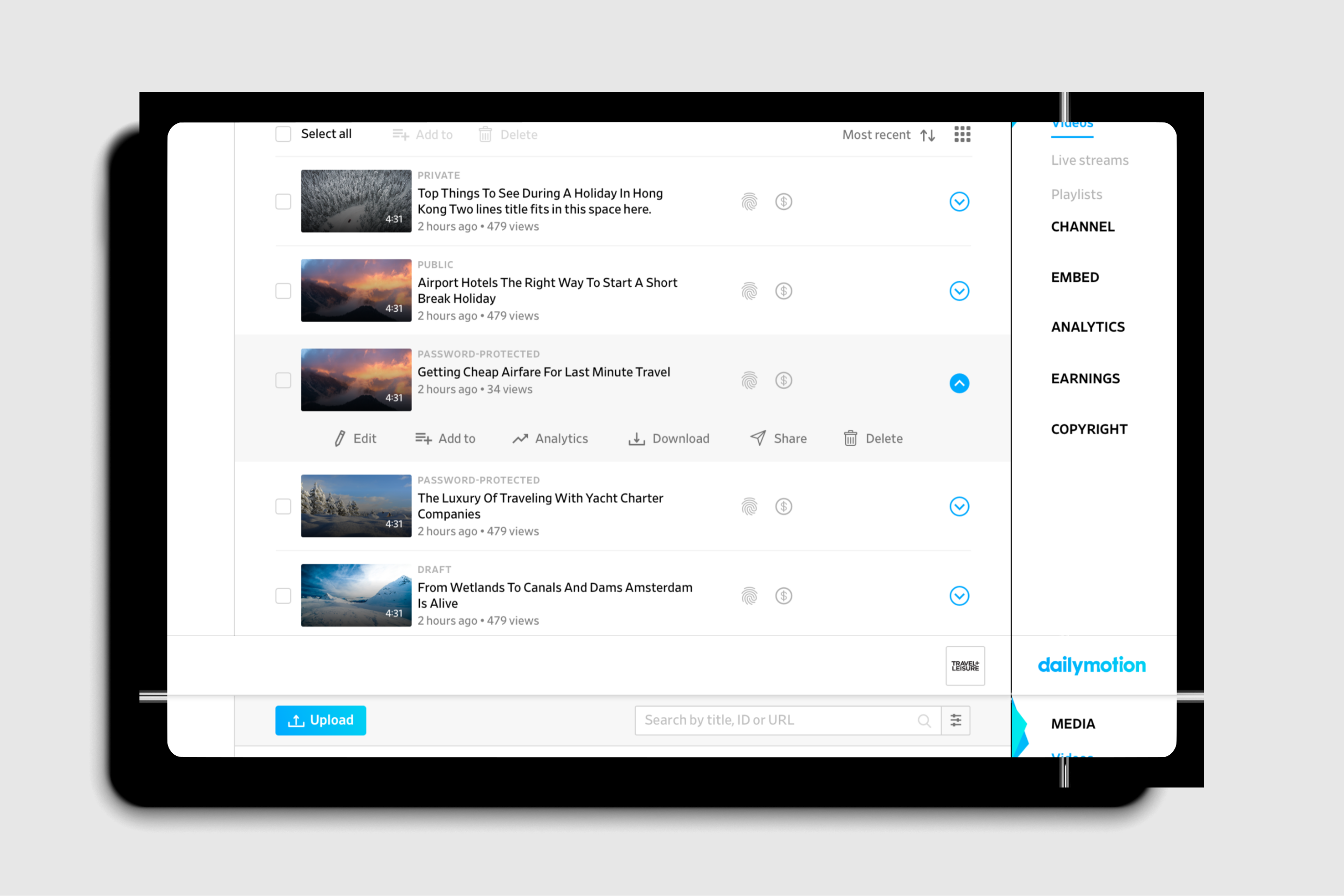
In the Video Library, hierarchy and motion replaced heavy controls. Hover actions surfaced only when needed, reducing clutter while keeping all operations one click away. The interface supported continuous publishing, users could act while data refreshed in the background, cutting idle time between uploads.
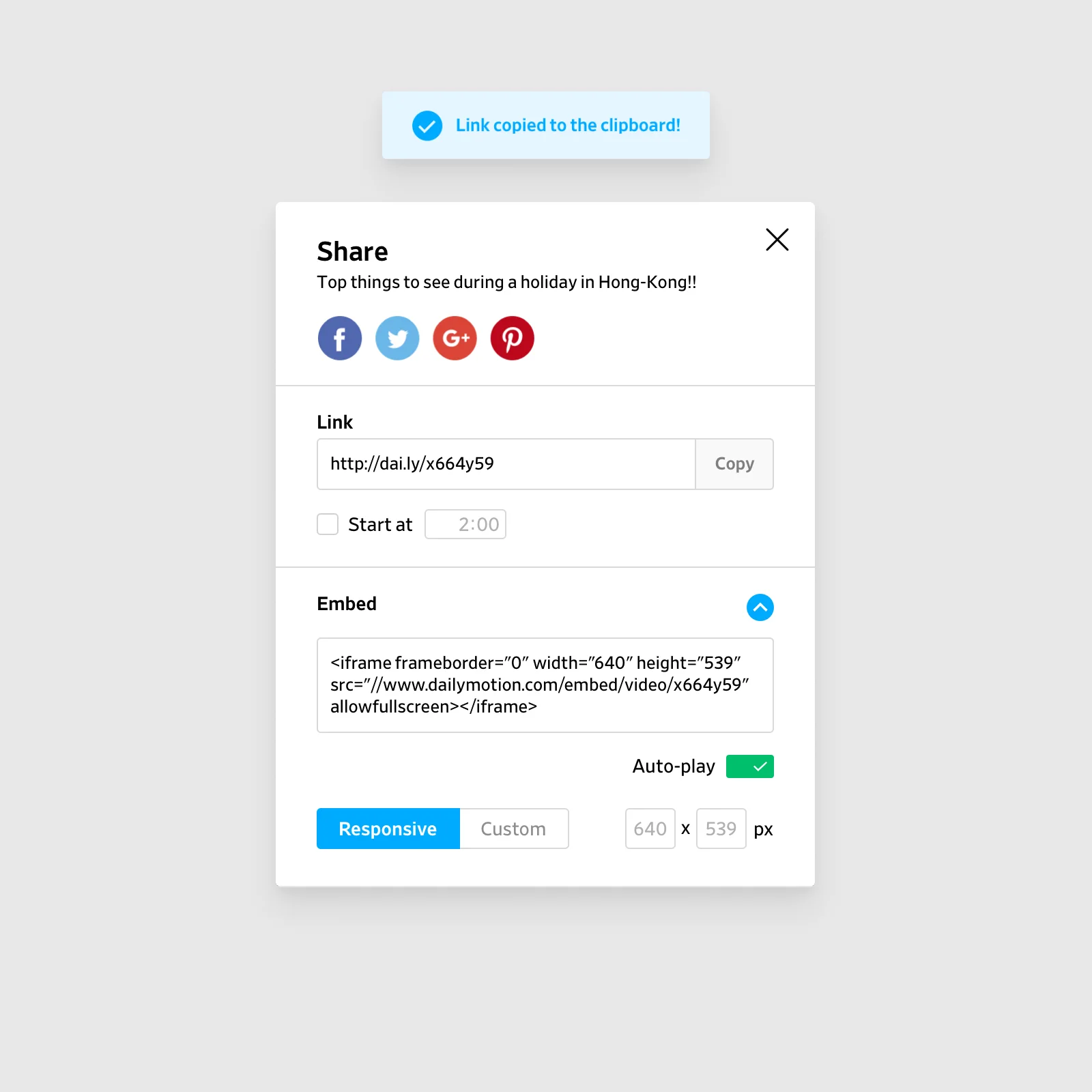
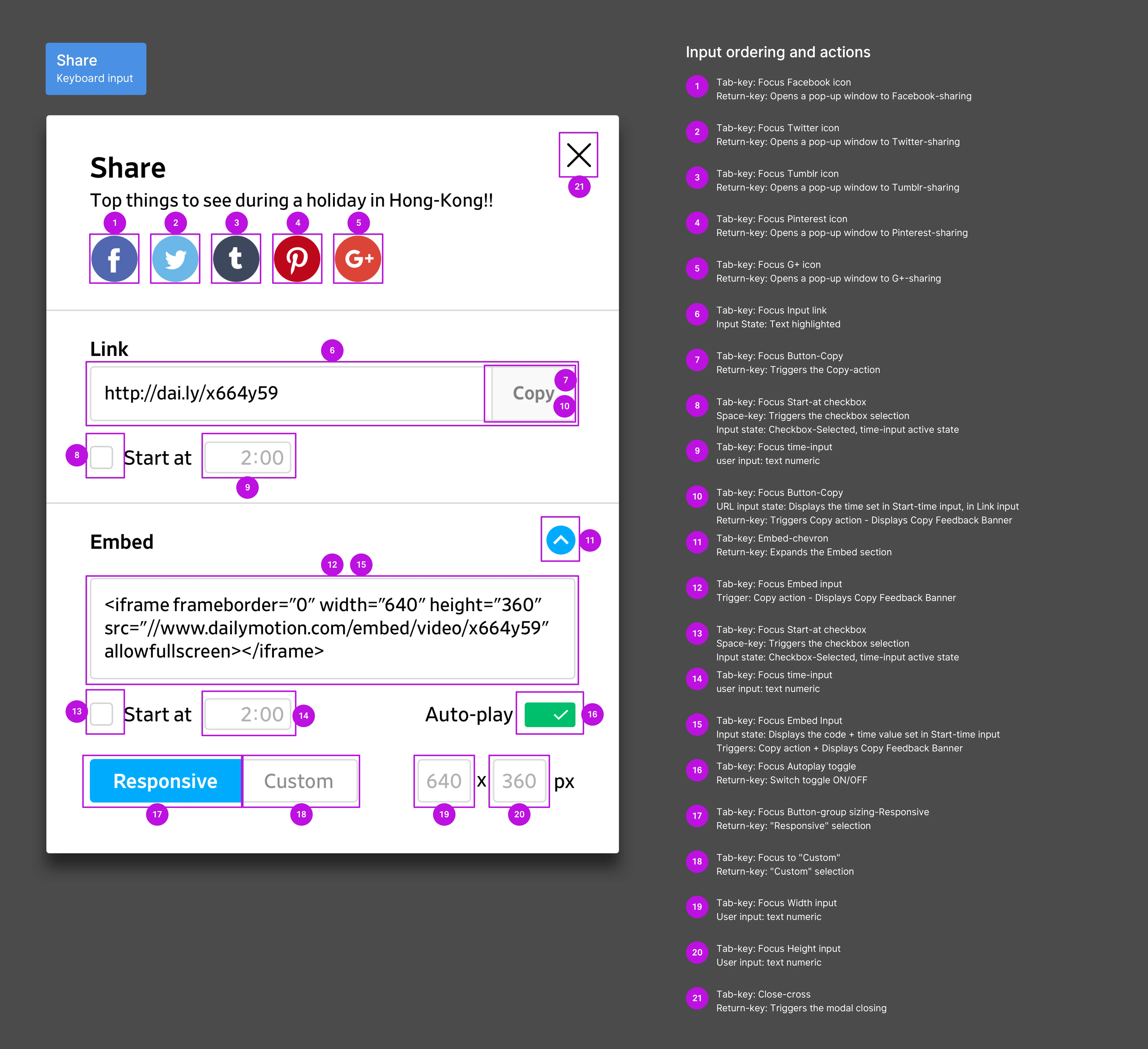
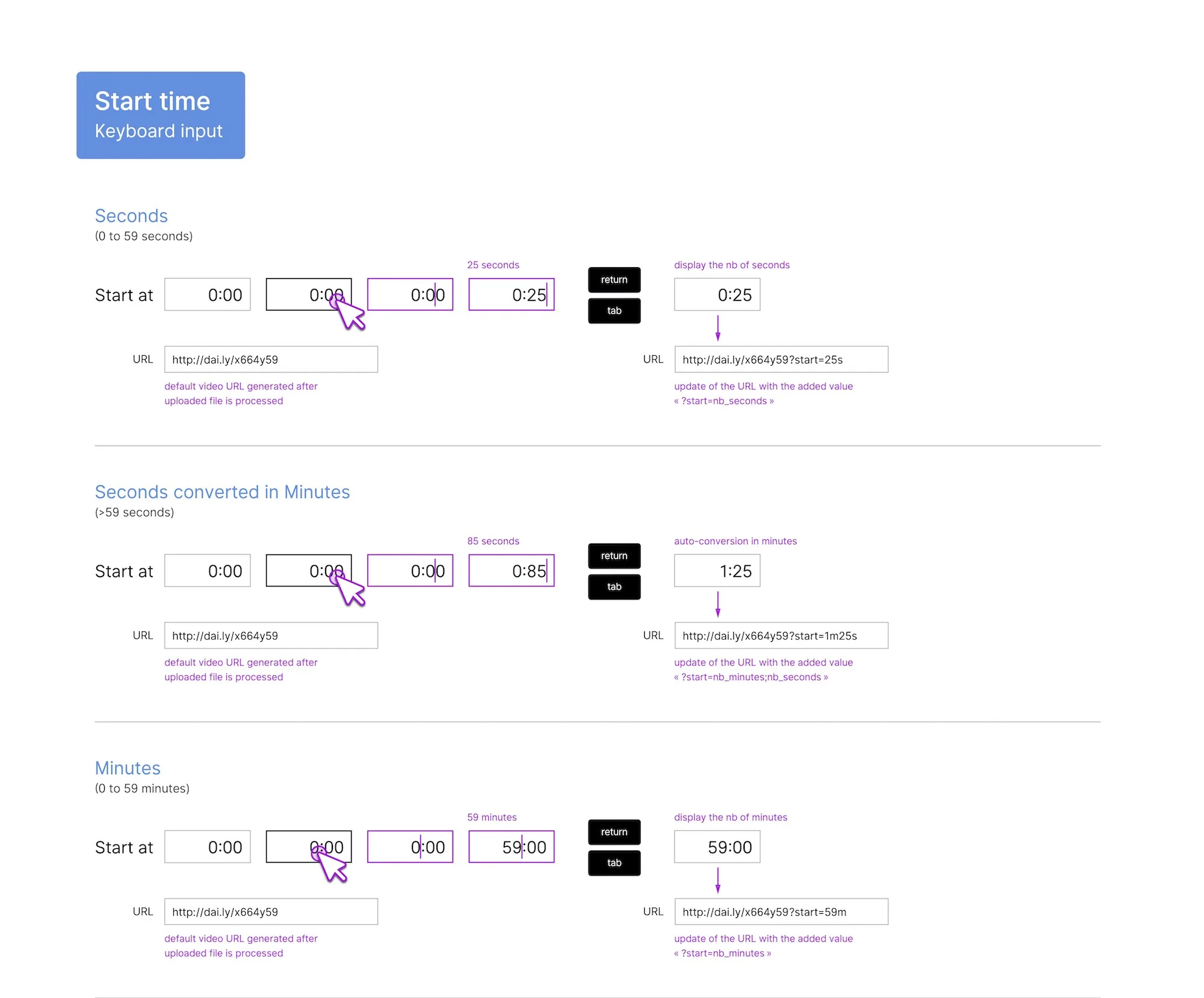
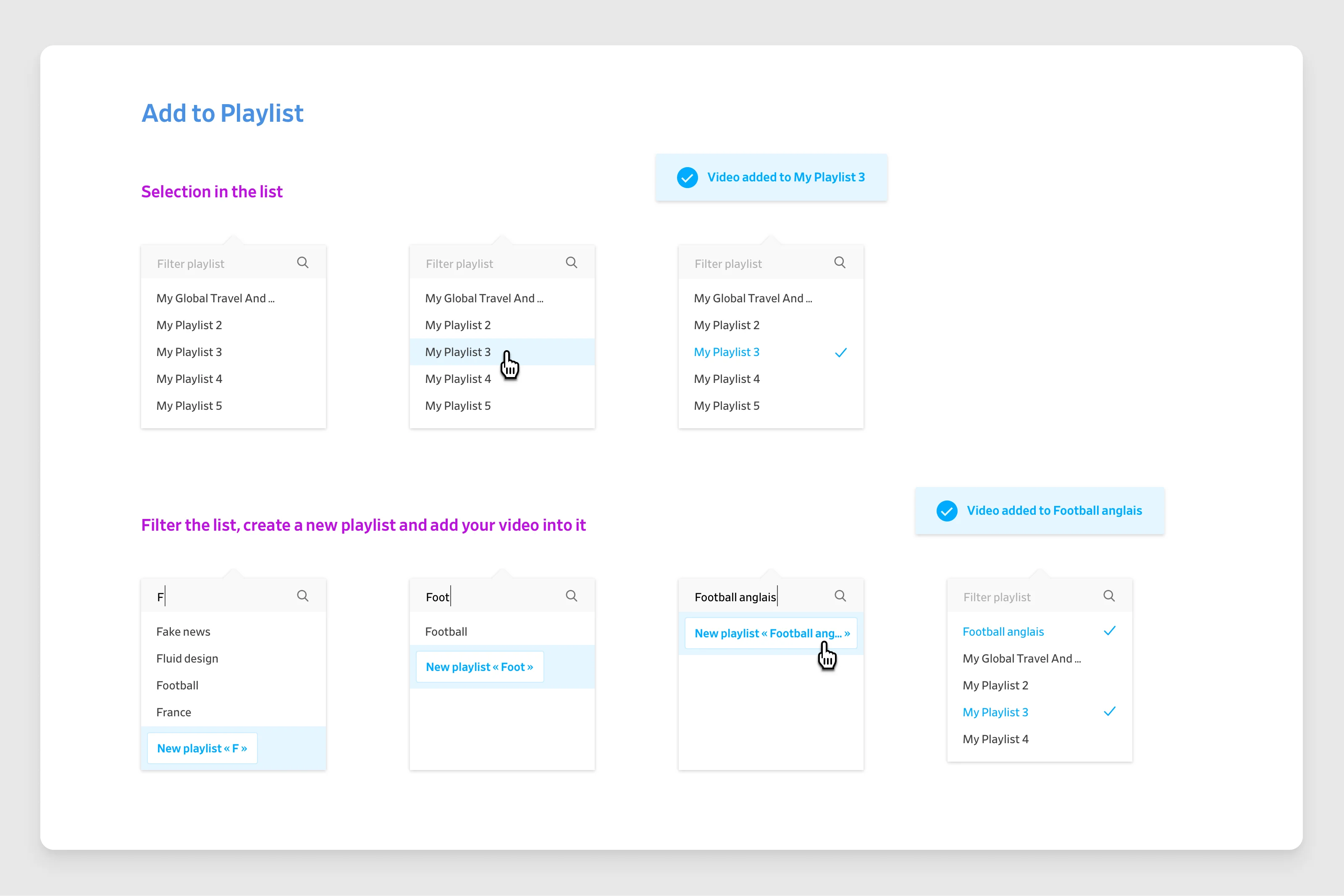
Live Management Console
How can a live platform compete with Twitch and Facebook while giving professionals real control?
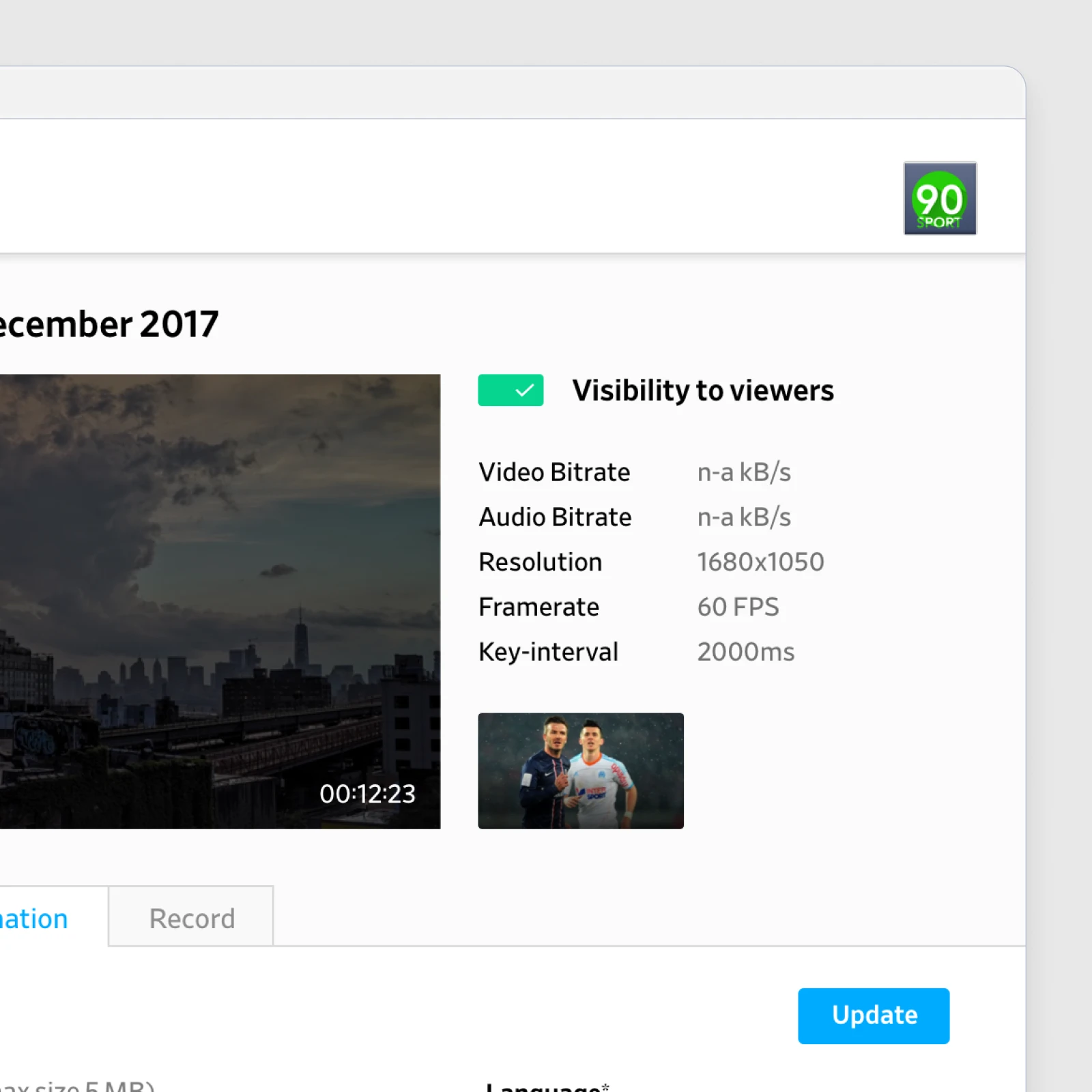
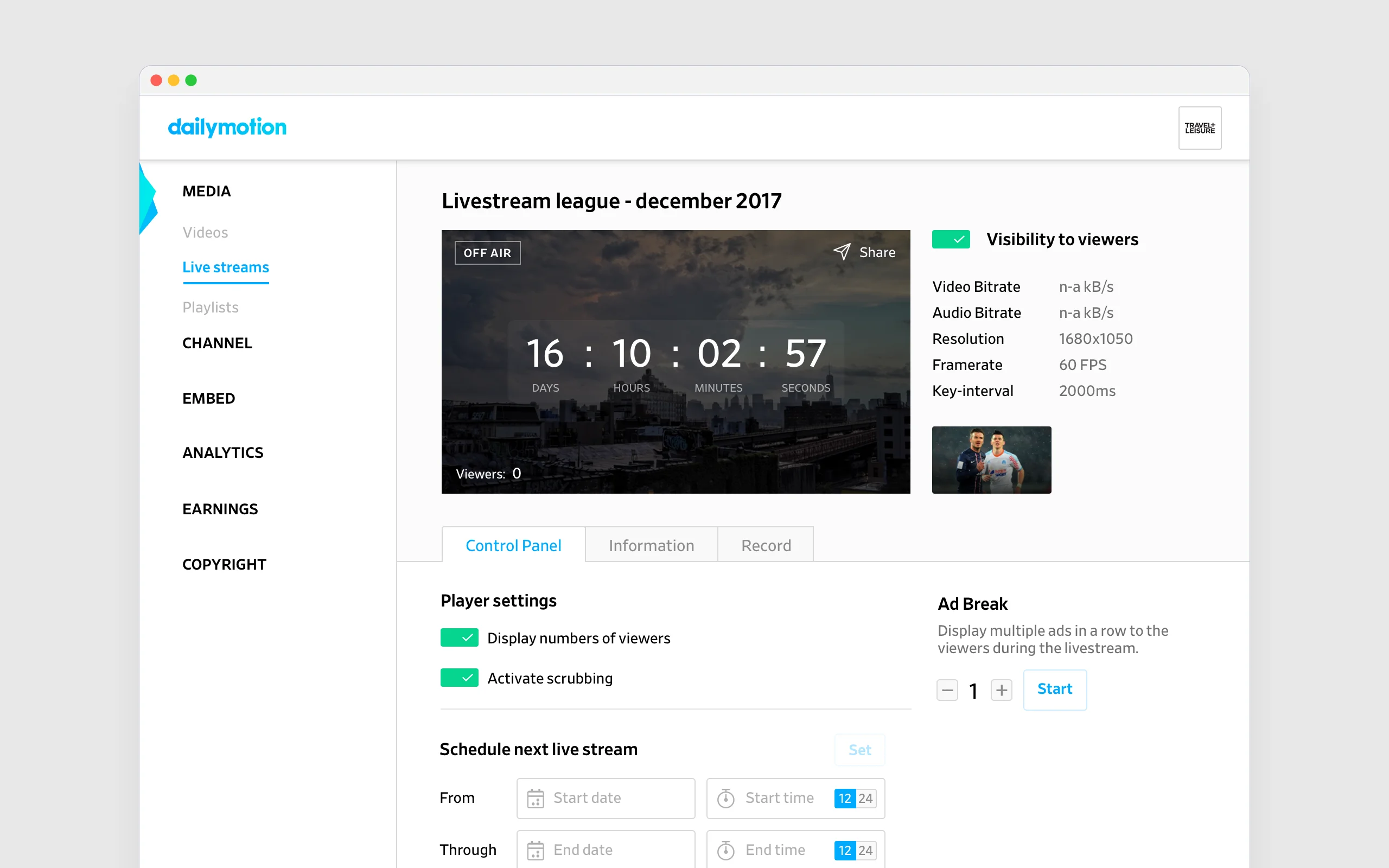
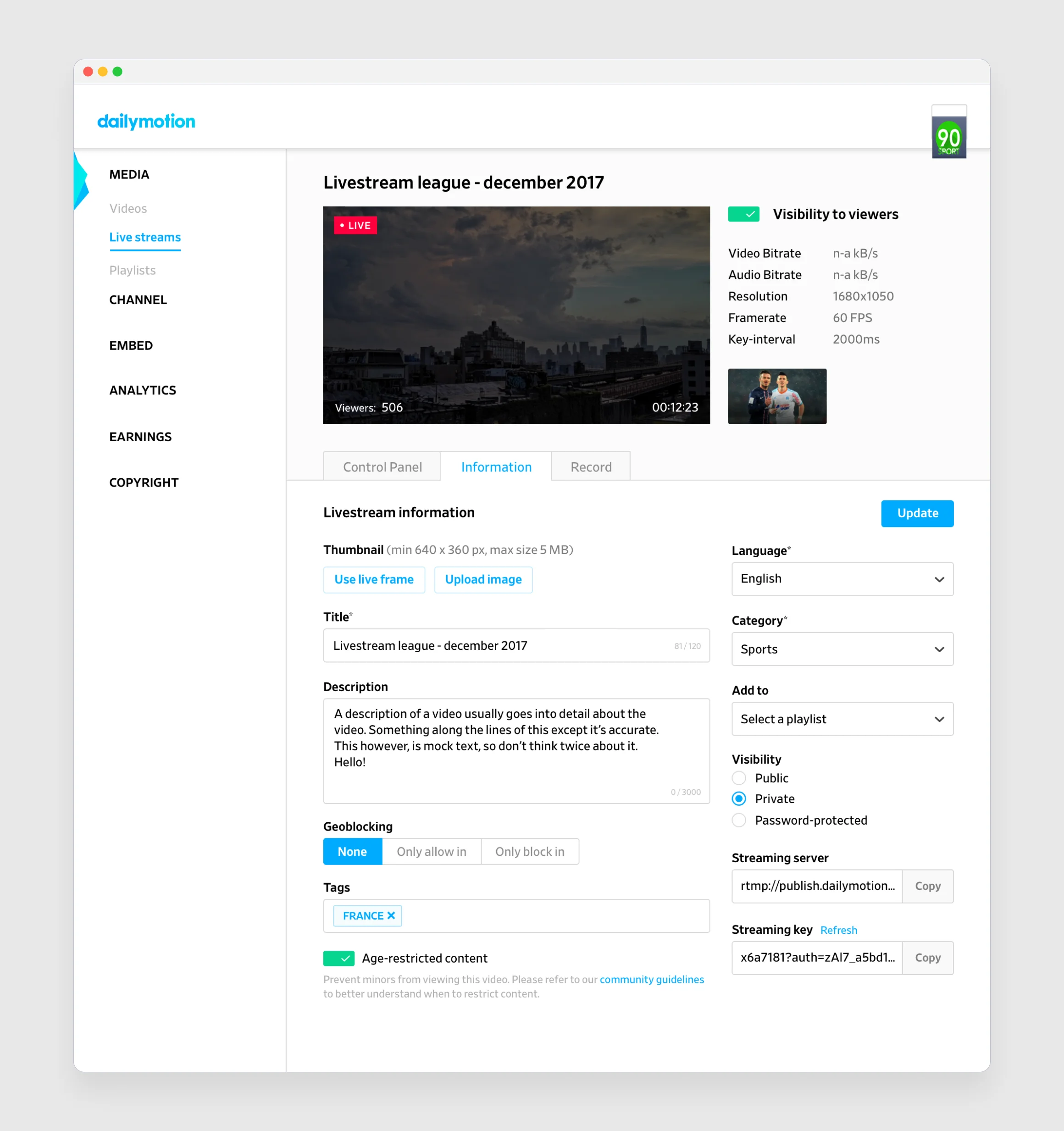
Going live brought a different kind of complexity. Operators needed to monitor performance and react instantly to encoding or audience shifts. The goal was to design a calm control surface that worked under pressure. The Live Manager structured all actions around three panels, Control, Information, and Record, matching the mental model of a live broadcast. Status changes and transitions were central: Ready > On Air > Recording > Completed. Each transition was animated with clear visual feedback to confirm that a command had been received. Metrics such as bitrate, viewers, or latency updated in place without motion noise.
Player Manager
How do you turn player configuration into a task anyone can complete in minutes?
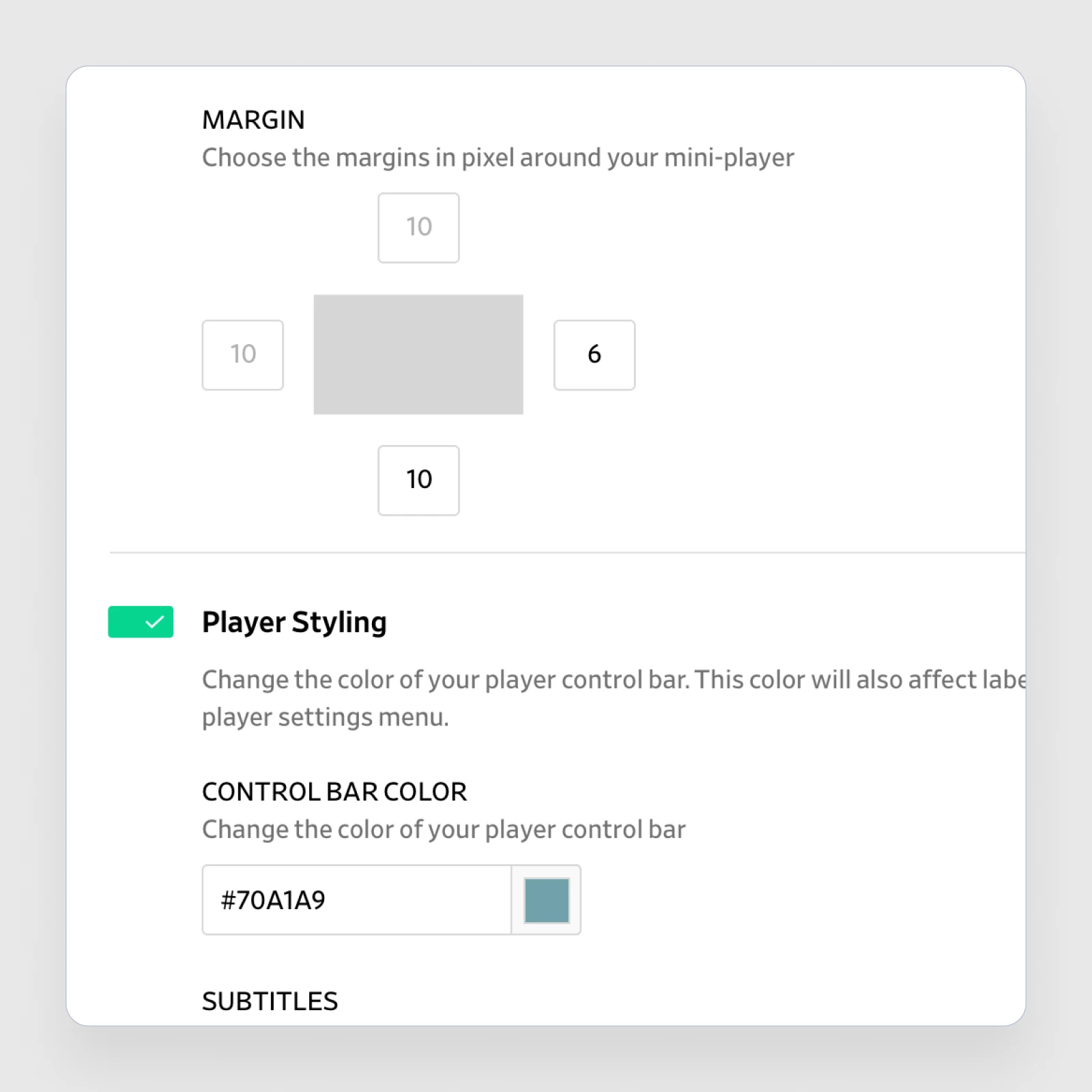
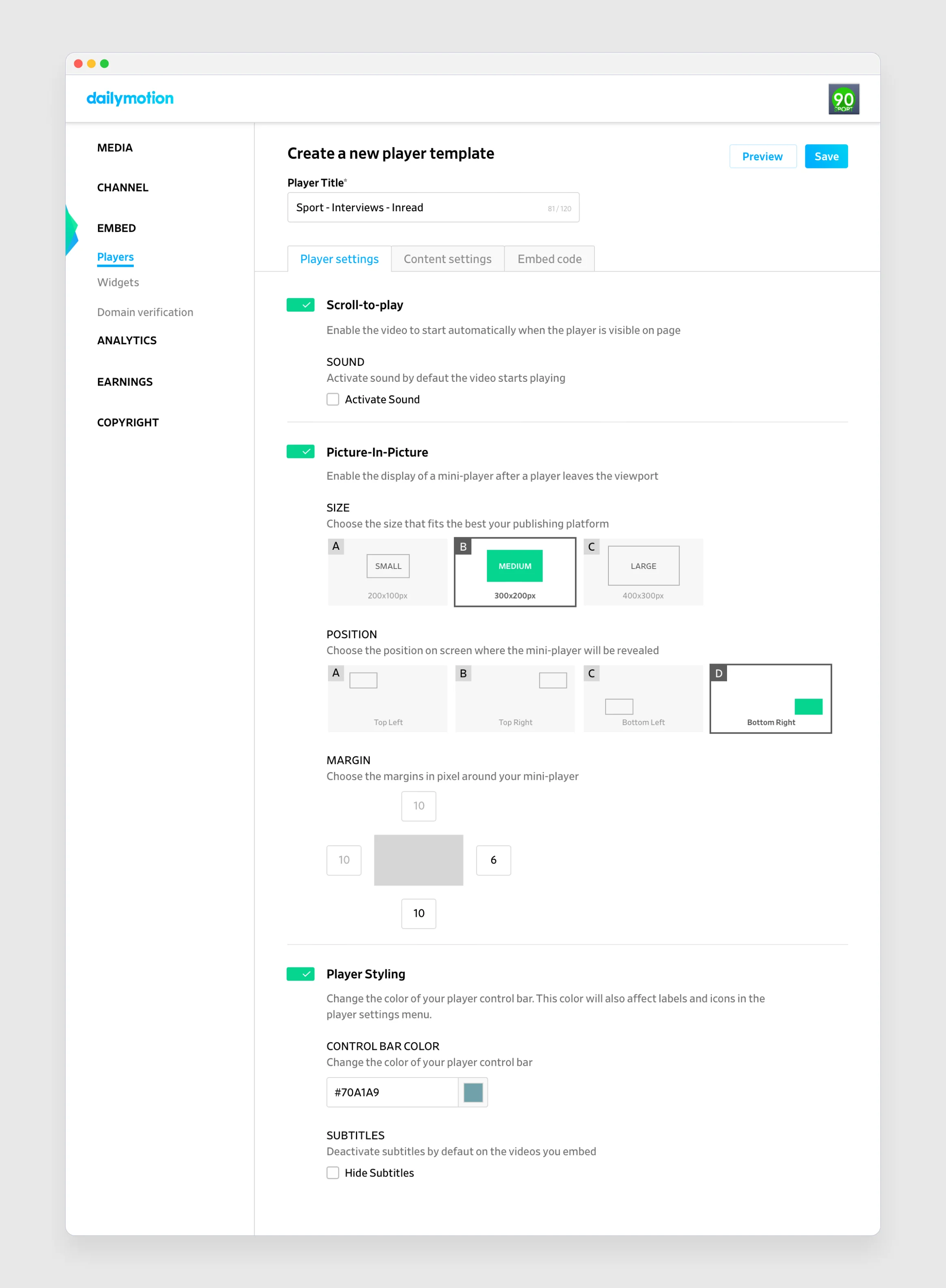
Once uploaded and streamed, videos needed consistent playback across partner sites. The Player Manager solved this by giving non-technical users the ability to create and configure their own players. The interface focused on progressive disclosure. Users started from a simple list and expanded into detailed tabs only when required. Creating a player triggered a guided flow: define appearance, assign content, then retrieve the embed code. Subtle transitions kept context between steps, avoiding modal interruptions.
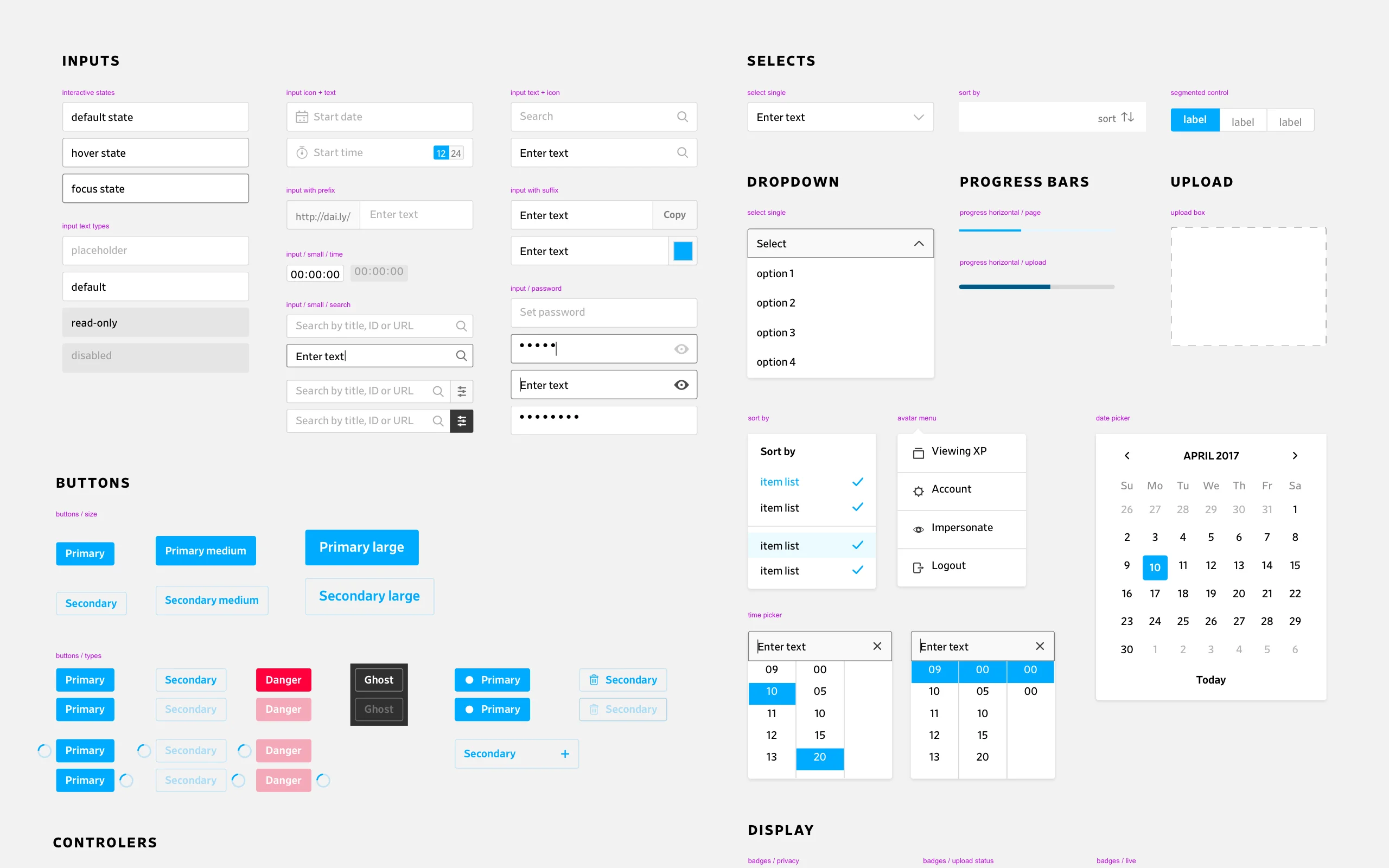
Building a Scalable UI Kit
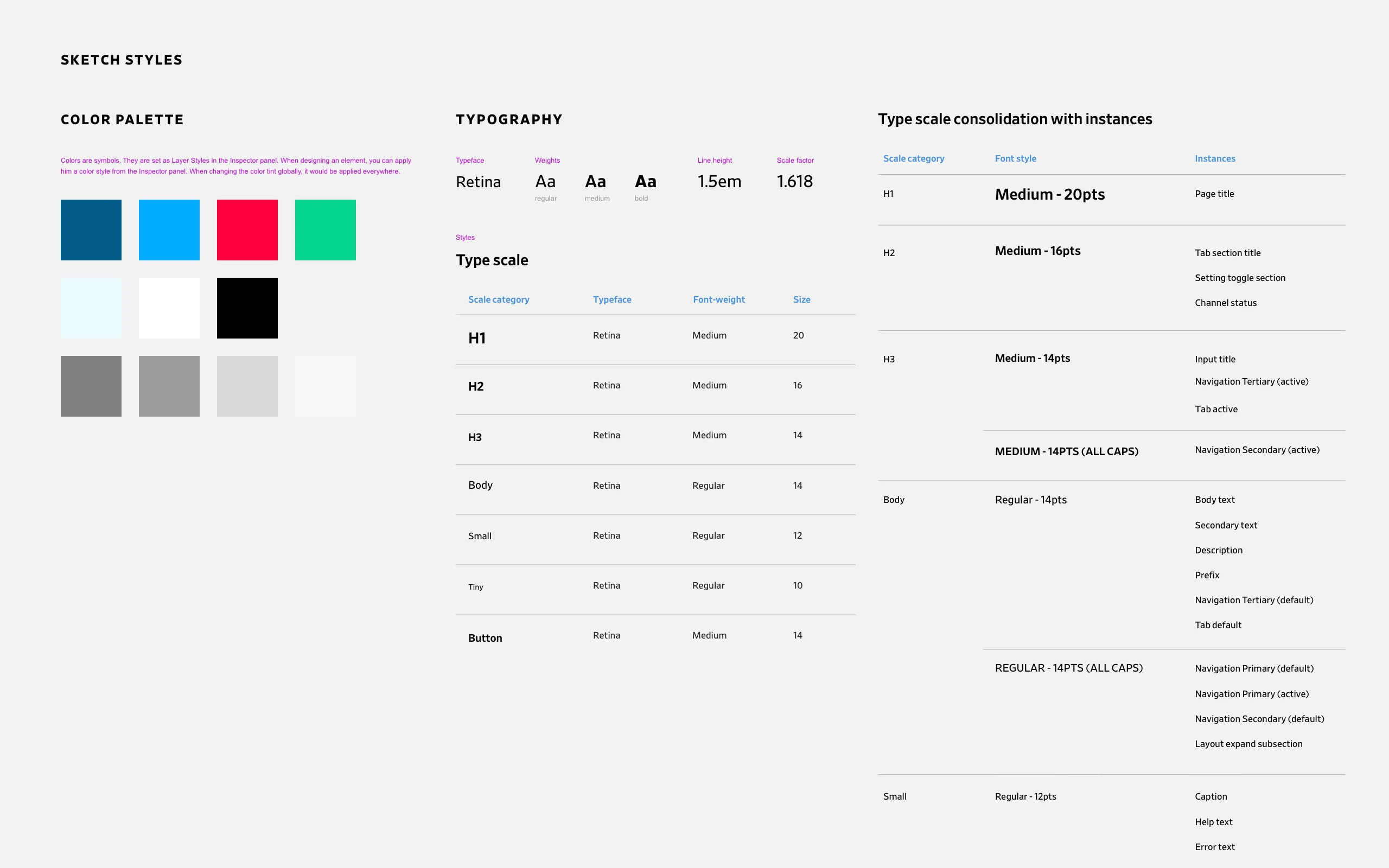
To ensure coherence across the growing product suite, I led the creation of a new Design System and Component Library.
Impact
The design approach delivered measurable business results. By focusing on core workflows and progressive complexity, we created tools that media partners could adopt quickly.
Content partners served worldwide30,000+
Videos uploaded daily through the platform10K+
Upload preparation time reduction-50%
UI components shipped in design system120+